CodingMantra LogoCodingMantra
GalleryProductsPortfolioServicesGamesPricingContact
CodingMantra LogoCodingMantra

Providing business solutions for small and medium-sized businesses and helping them to grow.

WhatsApp ChannelX / TwitterLinkedInInstagramFacebookGitHubYouTube

Company

  • Home
  • About Us
  • Services
  • Products
  • Portfolio
  • Pricing
  • Blog
  • API Docs
  • Contact Us

Top Tools

  • All Tools
  • Image Tools
  • Video Tools
  • Brand Context
  • Digital Marketing
  • Financial Tools
  • SEO Tools

Legal

  • Privacy Policy
  • Terms & Conditions
  • Return Policy
  • Deals
  • Sitemap

About CodingMantra

CodingMantra is a premier digital solutions hub dedicated to empowering small and medium-sized businesses with cutting-edge technology. Our comprehensive suite of free AI-powered tools, productivity utilities, and developer resources is designed to streamline your workflow and accelerate your digital growth. From advanced AI image generation and virtual try-ons to sophisticated CRM and SEO utilities, we bridge the gap between complex technology and user-friendly applications. Our mission is to democratize access to high-end AI tools, enabling creators and entrepreneurs to compete on a global scale.

Professional Services

Beyond our free tools, CodingMantra offers specialized consulting and development services in Web 3.0, Artificial Intelligence, Mobile App Development, and custom SaaS architecture. Our team of expert developers and strategists works closely with clients to build robust, scalable, and innovative digital products that solve real-world business challenges and drive measurable results. Whether you're looking for custom AI integration, high-performance web applications, or strategic digital transformation, we provide the expertise to turn your vision into reality.

AI-Driven Innovation

Our platform leverages state-of-the-art generative AI models to provide tools like the AI Product Photography Generator, Virtual Try-Ons for apparel and jewelry, and Logo Animation creators. We are constantly updating our toolkit to include the latest advancements in machine learning, ensuring that you always have access to the most powerful creative automation tools available. By combining intuitive design with powerful back-end intelligence, CodingMantra helps you produce professional-grade content with minimal effort and zero cost.

Comprehensive AI & Digital Solutions Suite

Visual & Creative AI

Transform your brand with our Image & Video AI suite. Generate studio-quality product photography, realistic jewelry virtual try-ons, and professional apparel mockups instantly. Our AI Video Tools enable cinematic festival greetings and dynamic logo animations, while our creative editors handle everything from background removal to AI-powered upscaling.

Marketing & SEO Growth

Optimize your online presence with data-driven SEO & Marketing tools. Utilize our AI Ad Copy Generator for high-converting Google and Facebook ads, or extract your brand's unique voice with the Brand Context Generator. From Keyword Research and Meta Tag generation to Social Media Post creation, we provide the utilities to dominate search rankings.

Business & Finance Ops

Streamline your operations with our Financial & Business tools. Generate professional GST-compliant invoices, calculate EMI and Loan prepayments, or plan your investments with SIP and PPF calculators. Our CRM tools help you manage customer groups and email campaigns, while our Legal generators handle privacy policies and terms of service.

Developer & Utility Tools

Boost your productivity with our Developer & Productivity toolkit. Format and validate JSON, test Regex, generate SSH/RSA keys, and merge PDF files securely in your browser. With over 100+ utilities including QR Code generators, Text converters and Security tools, we are the ultimate resource for developers and digital professionals.

© 2026 CodingMantra. All Rights Reserved.

    1. Blog
    2. Express.js Tutorial: Build a Scalable, Modular Backend

    Express.js Tutorial: Build a Scalable, Modular Backend

    Posted by Param Mehta on September 17, 2025
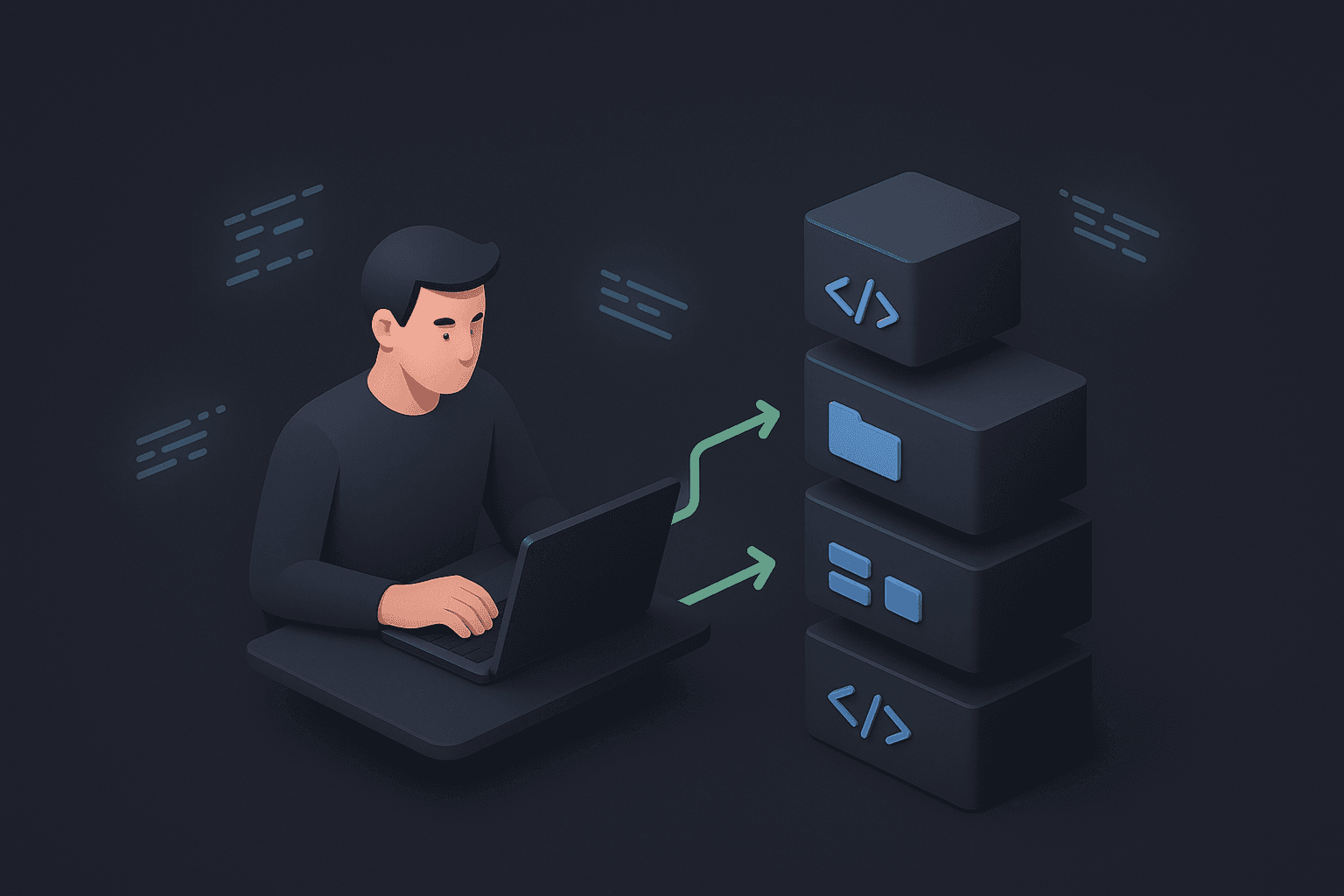
    Express.js Tutorial: Build a Scalable, Modular Backend

    So you want to build a backend with Node.js. You’ve heard about Express.js, the minimal and flexible framework that powers countless web applications. Starting with Express is famously simple, but moving from a single "Hello, World!" file to a maintainable, professional application requires a good structure. The most common mistake beginners make is stuffing all their logic into one giant server.js file.

    This guide will teach you how to avoid that pitfall from day one by building your first Express.js app with a clean, modular routing structure. It's a simple change that makes a world of difference as your project grows.


    Prerequisites

    Before we start, make sure you have Node.js and npm (which comes with Node.js) installed on your system. You can download it from the official Node.js website.

    Step 1: Project Setup

    First, let's create a new project directory and initialize it with npm.

    
    mkdir my-express-app
    cd my-express-app
    npm init -y
          

    Now, let's install Express:

    
    npm install express
          

    Step 2: The Basic Server (The "Old" Way)

    Let's create a file named index.js. A simple Express server looks like this:

    
    // index.js
    const express = require('express');
    const app = express();
    const PORT = 3000;
    
    app.get('/', (req, res) => {
      res.send('Hello, World!');
    });
    
    app.get('/users', (req, res) => {
      res.json([{ id: 1, name: 'John Doe' }]);
    });
    
    app.listen(PORT, () => {
      console.log(`Server is running on http://localhost:${PORT}`);
    });
          

    You can run this with node index.js. This works perfectly fine, but imagine having 50 more routes for products, orders, comments, etc. This file would become a nightmare to manage. Let's fix that.

    Step 3: The Modular Approach - Creating a Routes Folder

    The key to a scalable structure is to separate your concerns. Routes related to "users" should live in a "users" file. Routes for "products" should live in a "products" file. We'll organize these into a routes folder.

    Create a new folder in your project directory called routes.

    
    mkdir routes
          

    Step 4: Create Your First Route File

    Inside the routes folder, create a file named users.js. Here, we'll use the Express Router. It's like a mini-app that can handle its own set of routes.

    
    // routes/users.js
    const express = require('express');
    const router = express.Router();
    
    // This route corresponds to the /users endpoint
    router.get('/', (req, res) => {
      res.json([{ id: 1, name: 'John Doe' }]);
    });
    
    // You could add more user-specific routes here
    // For example, a route to get a specific user by ID
    router.get('/:id', (req, res) => {
      const userId = req.params.id;
      // In a real app, you would fetch the user from a database
      res.json({ id: userId, name: `User ${userId}` });
    });
    
    module.exports = router; // Export the router
          

    Notice we defined the path as '/'. This is because we will tell our main index.js file to use this router for any path that starts with /users.

    Step 5: Connect Your Routes to the Main App

    Now, let's update our main index.js file to use our new modular router. It becomes much cleaner!

    
    // index.js
    const express = require('express');
    const app = express();
    const PORT = 3000;
    
    // Import your route files
    const userRoutes = require('./routes/users');
    
    app.get('/', (req, res) => {
      res.send('Welcome to the homepage!');
    });
    
    // Tell the app to use the user routes for any path that starts with /users
    app.use('/users', userRoutes);
    
    // You can easily add more route modules here!
    // const productRoutes = require('./routes/products');
    // app.use('/products', productRoutes);
    
    app.listen(PORT, () => {
      console.log(`Server is running on http://localhost:${PORT}`);
    });
          

    Now, when you run node index.js:

    • A request to http://localhost:3000/ is handled by index.js.
    • A request to http://localhost:3000/users is passed to the users.js router and handled by its '/' route.
    • A request to http://localhost:3000/users/123 is passed to the users.js router and handled by its '/:id' route.

    Conclusion: Why This Matters

    By adopting this simple modular structure from the very beginning, you've set yourself up for success. Your main server file (index.js) remains clean and acts as a central hub, while the specific logic for each part of your application is neatly organized in its own file. As your application grows, you can simply add new files to the routes folder without cluttering up your existing code.

    This separation of concerns is a fundamental principle in software engineering, and mastering it early will make you a more effective and professional Node.js developer.

    P

    About the Author: Param Mehta

    Param Mehta is a senior full-stack software engineer, open-source enthusiast, and product architect specializing in generative AI and digital experiences.


    View LinkedIn / Portfolio Profile →

    More from the CodingMantra Blog

    Make Your Blog Images Look Professional: Generate Custom Hero Images in Seconds

    Make Your Blog Images Look Professional: Generate Custom Hero Images in Seconds

    The Ultimate Guide to AI Product Try-On for Fashion Retailers

    The Ultimate Guide to AI Product Try-On for Fashion Retailers

    View All Articles