CodingMantra LogoCodingMantra
GalleryProductsPortfolioFor BusinessesGamesPricingContact
CodingMantra LogoCodingMantra

AI tools and software services for people building better digital experiences.

WhatsApp ChannelX / TwitterLinkedInInstagramFacebookGitHubYouTube

Company

  • Home
  • About Us
  • Services
  • Products
  • Portfolio
  • Pricing
  • Blog
  • API Docs
  • MCP Integration
  • Contact Us

Top Tools

  • All Tools
  • Image Tools
  • Video Tools
  • Brand Context
  • Digital Marketing
  • Financial Tools
  • SEO Tools

Legal

  • Privacy Policy
  • Terms & Conditions
  • Return Policy
  • Deals
  • Sitemap

© 2026 CodingMantra. All Rights Reserved.

    For online stores and catalogues
    AI product photography for your store.

    Turn your product photos into styled images for listings and campaigns. Create jewellery and apparel try-on images using your own references.

    Create product photos See before and after
    50 welcome credits for new accounts · valid for 7 daysFor businesses
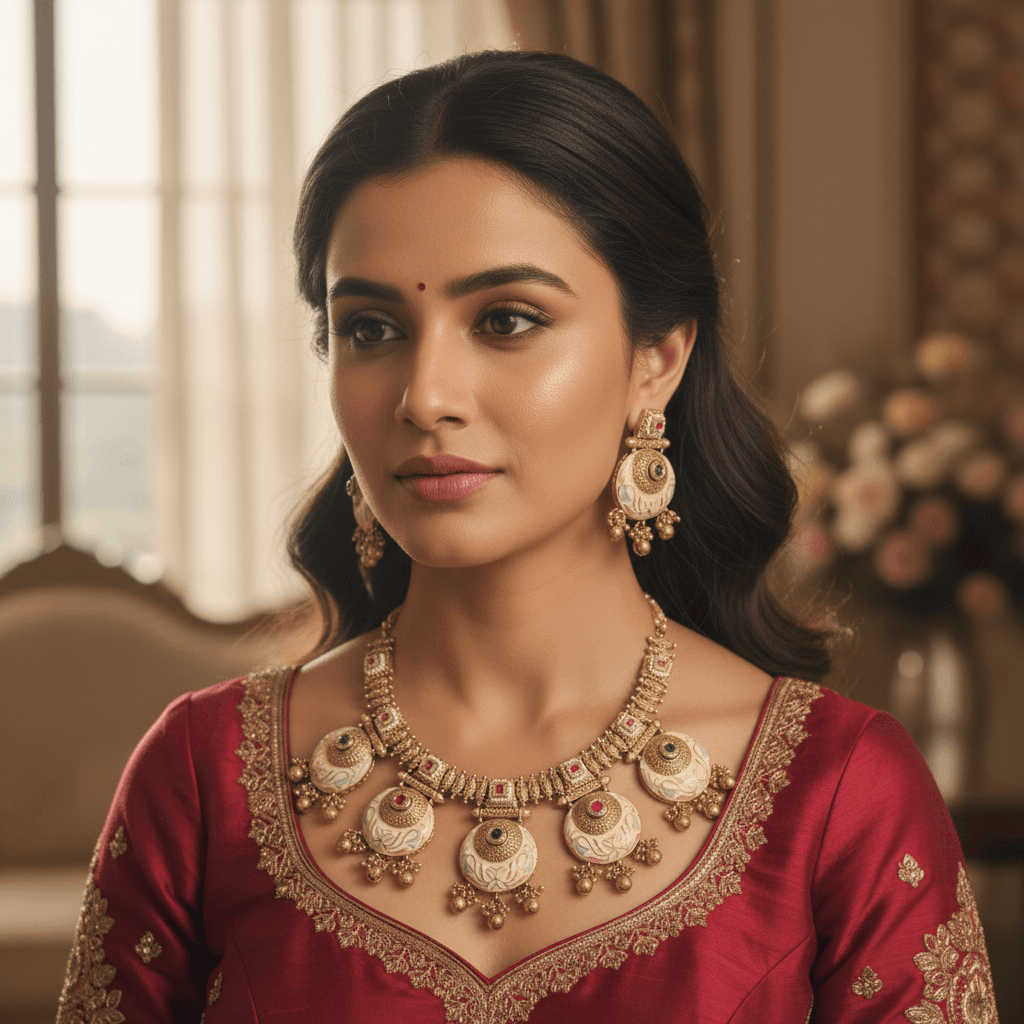
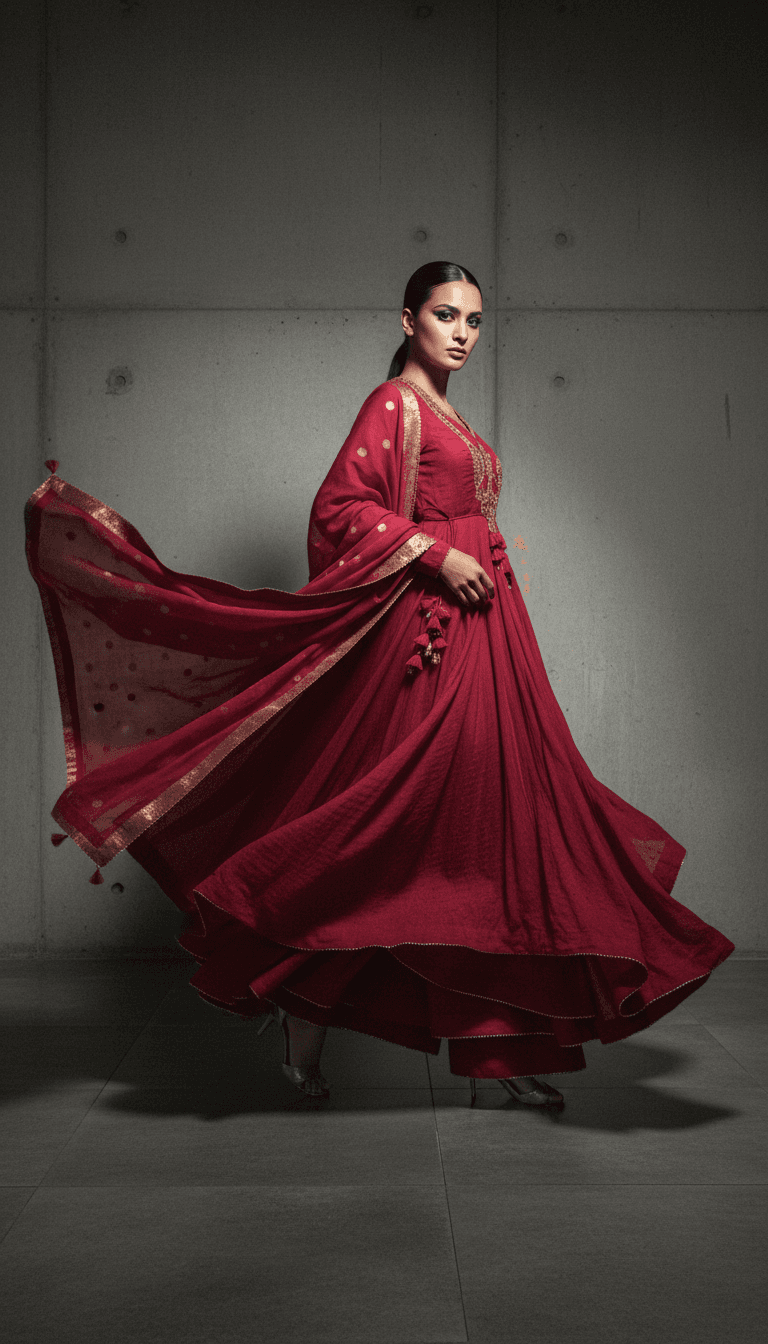
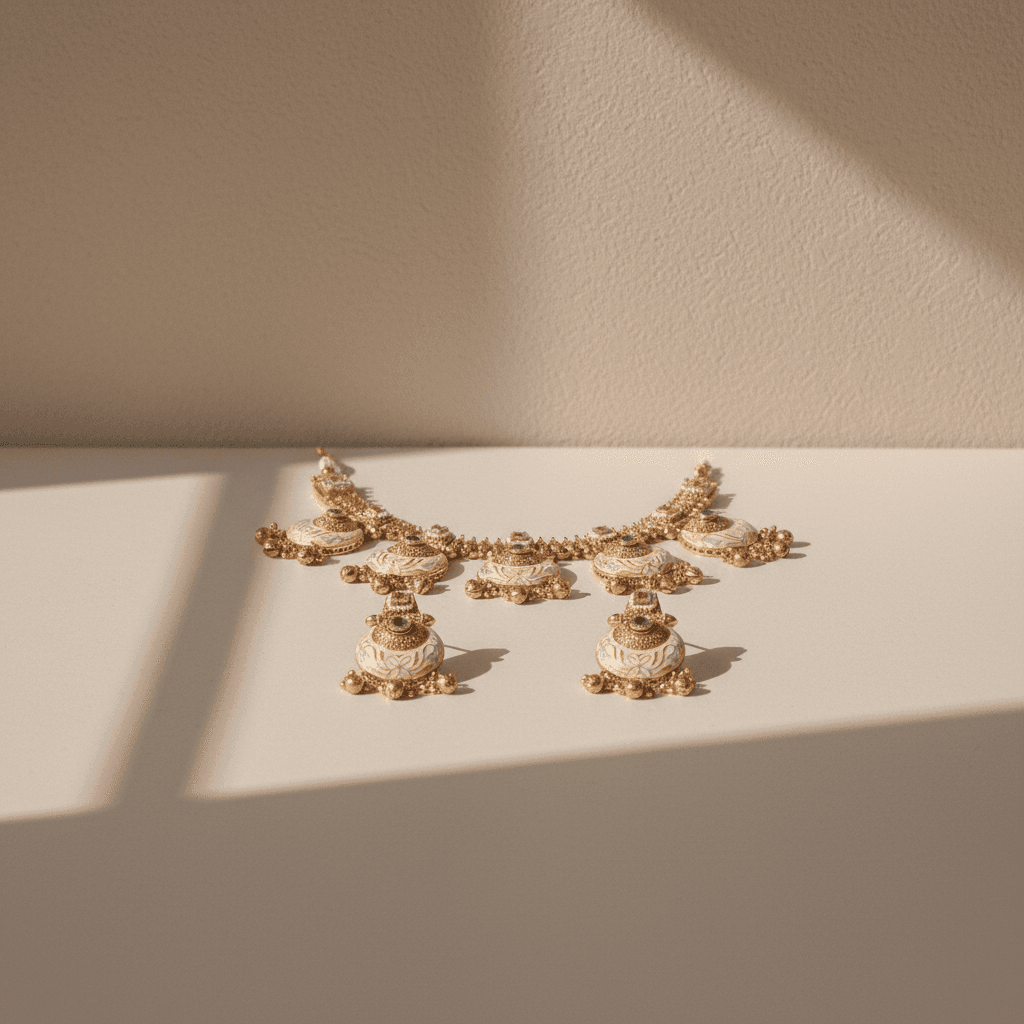
    Dark Luxury Studio creative exampleDark Luxury Studio Bridal Look creative exampleBridal Look Luxury Editorial creative exampleLuxury Editorial Soft Window Light creative exampleSoft Window Light
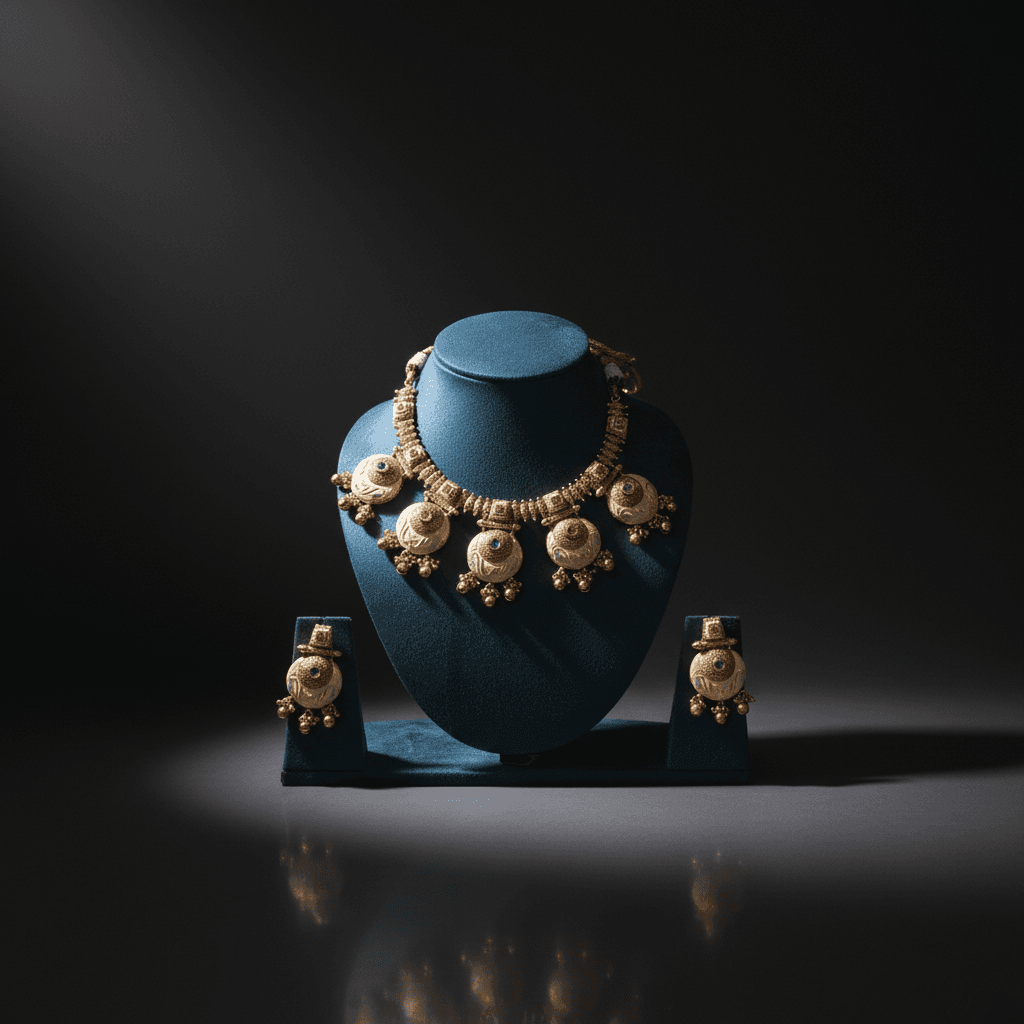
    Example jewellery product photo in Dark Luxury StudioOriginalAI example

    One product photo, three ways to style it

    Choose a scene, then drag the divider or use the arrow keys to compare it with the original.

    Selected example: Dark Luxury Studio

    View scene instructions

    Place the product against a deep charcoal background. Use a broad soft key light and a restrained edge highlight to separate the silhouette. Show a complete hero view, with shadow detail and readable branding rather than crushed blacks.

    Use this style with my product See credit costs

    Find your starting point

    What would you like to create?

    Choose the kind of visual you need. We'll take you to the right tool with a clear place to begin.

    Product photography

    Start with what you have.

    Place your product in a new setting for catalog pages, ads, and social posts.

    1. 1Upload a product photo
    2. 2Choose a scene
    3. 3Generate a new visual
    Open product photo studio
    Product photography example: Dark Luxury StudioExample: Dark Luxury Studio

    Create your first product photo

    New accounts receive 50 welcome credits, valid for 7 days. A 1K Flash product photo costs 15 credits.

    Compare credit packages
    1. Add a product photo

      Use a clear original with the full product in view.

    2. Choose a scene

      Pick a look for your listing, catalogue or campaign.

    3. Generate and download

      Review the credits before generating, then download your image.

    Product imagery for your whole catalogue

    Create visual variations in batches, integrate image generation through the API, or talk to us about a workflow for your store.

    Discuss my workflow Read API docs

    Batch tools for jewellers

    Create product photos and try-on variations across a collection and download the results together.

    Explore Jewellery All In One

    WACM.in · A CodingMantra product

    WhatsApp marketing and sales in one inbox

    Reach customers with campaigns, answer product enquiries as a team, and automate follow-ups with the WhatsApp Business API.

    Book a free WACM demo Explore WACM features

    Bring a sales or support workflow to the 15-minute demo.

    • WhatsApp campaigns

      Send approved templates to customers who opted in.

    • Shared team inbox

      Assign replies to the right teammate and keep the conversation history together.

    • Visual automation

      Build workflows for common questions and routine follow-ups.

    • WhatsApp commerce

      Share your catalogue and follow up on abandoned carts with opted-in shoppers.

    Jewellery store inbox

    WhatsApp Business

    Assigned to Sales
    1. Customer: Hi! Can I see necklaces for a wedding?
    2. Automated reply

      Here’s a look at our wedding collection. Would you like help choosing a set?
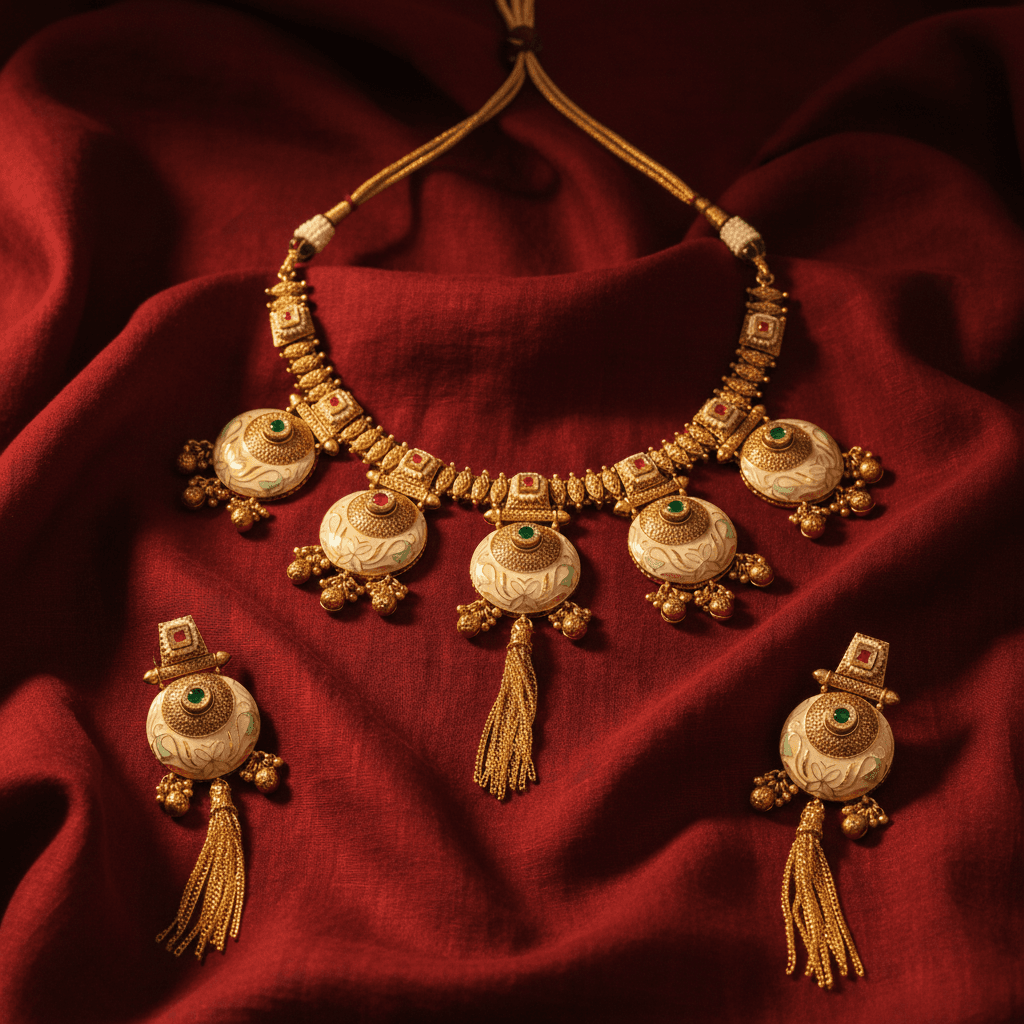
      Jewellery catalogue photo shared with the customer
    3. Customer: Yes, please. Can someone help me match it to my outfit?

    Ready for a personal follow-up

    Sales can reply from the shared inbox with the full chat in view.
    Illustrative WACM chat workflow using a sample product photo.

    Questions before you start

    Add a clear photo of your product, choose a scene and review the credit cost before generating. Download the result when it is ready.

    New accounts receive 50 welcome credits, valid for 7 days. A 1K Flash product photo costs 15 credits. Prices vary by model, resolution and optional features.

    Use Jewellery Try-On to show jewellery on a model or Apparel Try-On to create model images from garment photos. Review the result for product accuracy before publishing.

    Jewellery All In One supports batch photos and try-on variations. Businesses can also contact us about API access and custom workflows for their store or catalogue.

    Ready to style your own product?

    Create product photos Compare credit packages

    More from CodingMantra

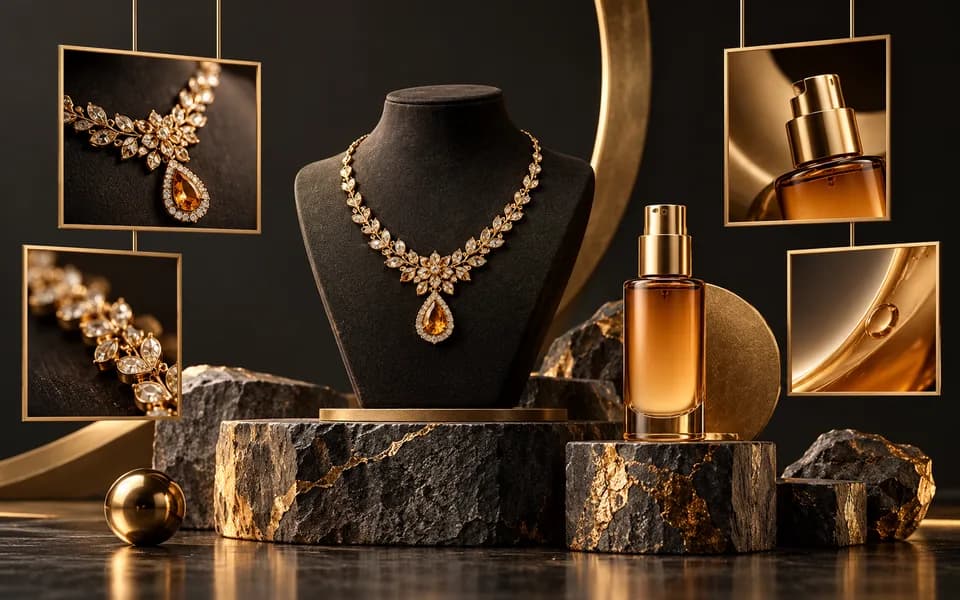
    Gold jewellery and skincare products in a creative photography studio19 tools

    Image Tools

    Edit, convert, and optimize images with AI-powered and browser-based tools.

    Explore category
    Cinematic camera lens, film strips and video storyboard panels7 tools

    Video Tools

    Create and edit videos using the power of AI.

    Explore category
    Social campaign cards and analytics connected by content distribution paths10 tools

    Digital Marketing Tools

    Supercharge your online presence with our suite of marketing utilities.

    Explore category
    Browse all toolsAudio ToolsCustomer Relationship Management (CRM)Financial ToolsSEO ToolsDate & Time ToolsLegal ToolsText & Content ToolsQR Code ToolsDeveloper & Productivity ToolsLearning ToolsSoftware servicesGuides and tutorialsWACM WhatsApp marketing