
Product pages
Use clear product views that help shoppers inspect the design. Check generated details against the real piece before listing.
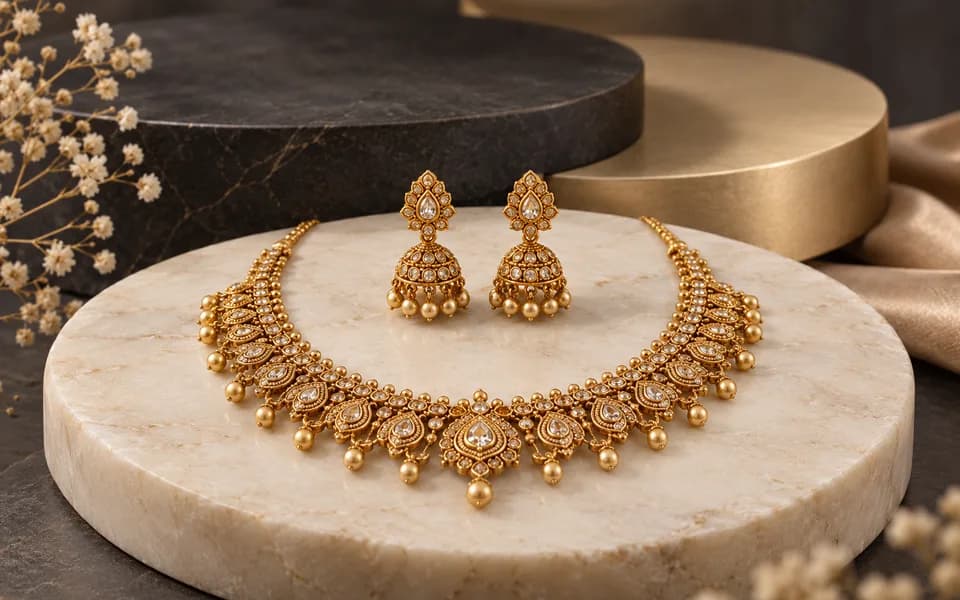
Jewellery studio inspiration
One collection. Multiple creative directions.
Your output plan
Batches × variations
Plan once, create a collection
Build your visual plan before spending credits. Each selected style is applied to each jewellery batch.
STEP 01
Create a batch for each product or coordinated set. Add up to 4 reference images per batch, label pieces, and set dimensions for each batch to guide its scale.
STEP 02
Add product photography scenes or virtual try-on variations. Add an optional model photo, reference image, logo, or campaign copy where useful.
STEP 03
Check the batch × variation count and credits, generate up to 20 combinations per submission, then download your results as a ZIP.
See the math before you create
For example, 4 product batches × 3 looks = 12 generation jobs. The editor shows the credit cost before submission.
Create your assets
Start with one batch and one style. Add more once the plan matches your collection.
Scale is guided by the reference images; no dimensions will be supplied.
Applies to every variation in this batch. Review the generated scale before publishing.
Each batch can hold up to 4 reference images. Plan up to 20 batch × variation outputs per submission.
Add your branding. Sign in to save it for your next visit.
PNG, JPG or WebP · Up to 2 MB · Transparent PNG recommended
Your AI-generated image will appear here
Use each asset with purpose
Create a consistent set of visuals, then choose the right image for each customer touchpoint.
Use clear product views that help shoppers inspect the design. Check generated details against the real piece before listing.
Use styled scenes and try-on looks to show scale, mood, and styling ideas across a collection.
Share selected looks in WhatsApp or sales conversations to help buyers compare pieces and imagine a complete set.
Need a daily gold rate graphic or a seasonal greeting? Use the dedicated Jewellery Rate Poster or Festival Post tool.
Continue your workflow with tools from this category and other useful options.
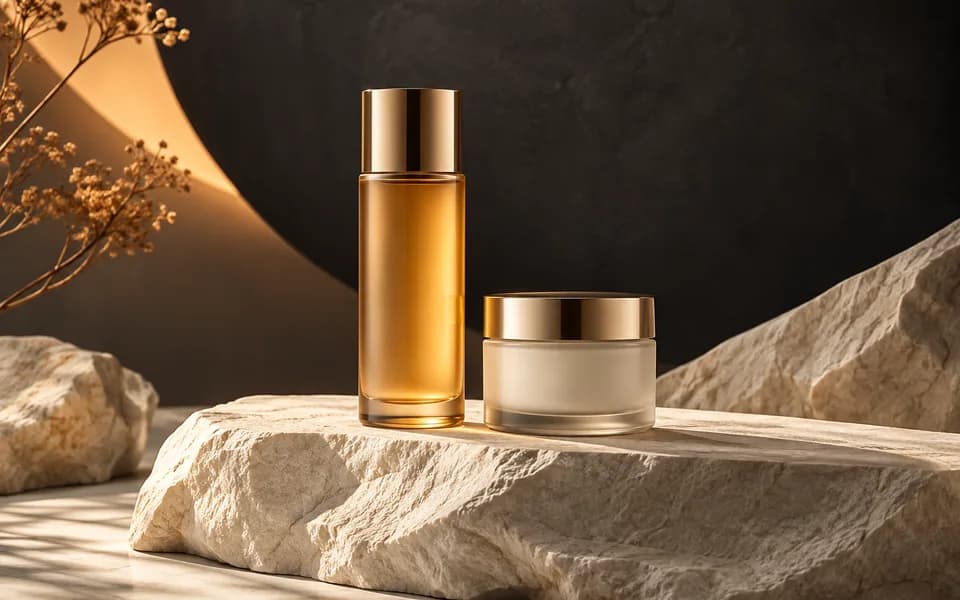 Image
ImageGenerate studio-quality professional photos of your products in any scene instantly using AI.
 Image
ImageLet customers virtually try on rings, necklaces, and earrings on their own photos using realistic AI.
 Image
ImageGenerate Today's gold and silver rate posters with your branding and product images.
 Video
VideoAnimate your logo with stunning video effects using AI.
 Video
VideoGenerate professional, cinematic festival greetings videos using AI.
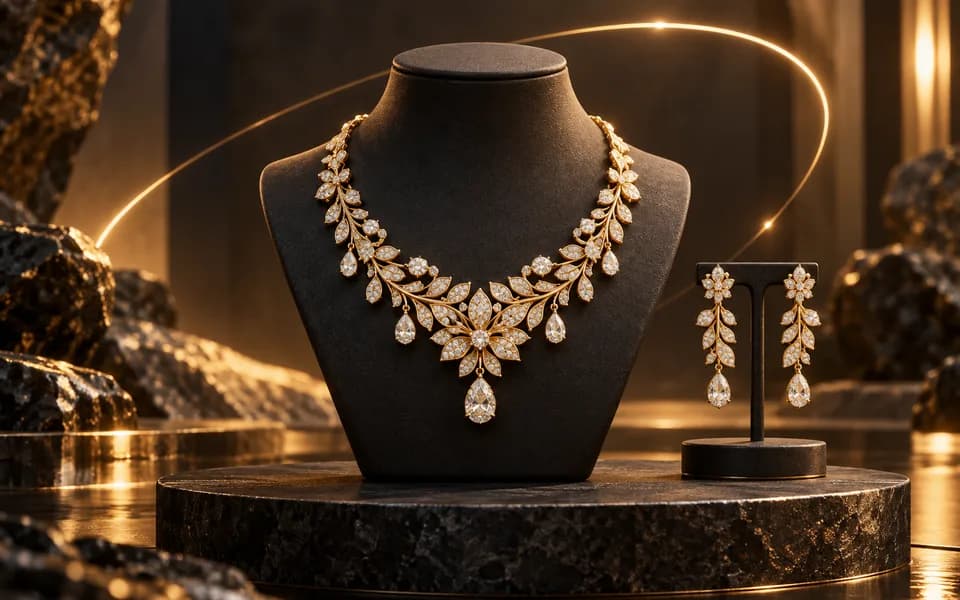 Video
VideoGenerate stunning, short video clips of jewelry products from text prompts.
Browser utilities process data locally. When you choose to save a logo or document to your account, it is stored for reuse. AI tools send the inputs needed to generate your results.
We leverage the latest generative AI models (including Gemini and OpenRouter) to provide state-of-the-art capabilities like product photography generation, virtual try-ons, and high-converting marketing copy.
Built by developers for developers, our productivity suite includes essential utilities for JSON formatting, Regex testing, and security key generation, all optimized for a fast and seamless workflow.
We believe in democratizing high-end technology. CodingMantra provides browser utilities and credit-based AI tools, helping small businesses and independent creators compete with larger enterprises.