CodingMantra LogoCodingMantra
GalleryProductsPortfolioServicesGamesPricingContact
CodingMantra LogoCodingMantra

AI tools and software services for people building better digital experiences.

WhatsApp ChannelX / TwitterLinkedInInstagramFacebookGitHubYouTube

Company

  • Home
  • About Us
  • Services
  • Products
  • Portfolio
  • Pricing
  • Blog
  • API Docs
  • MCP Integration
  • Contact Us

Top Tools

  • All Tools
  • Image Tools
  • Video Tools
  • Brand Context
  • Digital Marketing
  • Financial Tools
  • SEO Tools

Legal

  • Privacy Policy
  • Terms & Conditions
  • Return Policy
  • Deals
  • Sitemap

© 2026 CodingMantra. All Rights Reserved.

    1. Home
    2. Tools
    3. Image Tools
    4. Festival Post Generator
    Image Tools

    AI Festival Post Generator

    Create stunning festival greeting posts and promotional banners for Diwali, Holi, Eid, Independence Day, and more — with or without your product.

    AI Festival Post & Greeting Generator tool illustration

    Festival Post Generator

    Add your branding. Sign in to save it for your next visit.

    PNG, JPG or WebP · Up to 2 MB · Transparent PNG recommended

    Choose Model
    20s
    Resolution(40 credits)
    Output Shape

    Your AI-generated image will appear here

    Inspiration Gallery

    Celebrate Every Festival with Stunning AI Posts

    In India, festivals are not just celebrations — they are powerful marketing opportunities. Whether it's Diwali, Holi, Eid, Navratri, or Independence Day, every festival is a chance to connect with your audience and grow your brand. Our AI Festival Post Generator makes it effortless to create beautiful, professional-grade festival promotional images in seconds.

    How It Works

    1. Select a Festival: Choose from a wide range of Indian and global festivals, each with curated style prompts.
    2. Pick a Style: Select the visual theme or scene style you want — glowing diyas, colorful powder bursts, patriotic tricolor themes, and more.
    3. Add Your Product (Optional): Upload your product image to feature it in the festival post, or skip this step for a pure greeting post.
    4. Add Your Logo & Text: Upload your brand logo and add any promotional text or festival message.
    5. Generate: The AI creates a stunning, shareable festival post ready for Instagram, Facebook, and WhatsApp.

    How to use this tool

    1. 1

      Select a Festival

      from the searchable dropdown — start by choosing the festival (e.g., Diwali, Holi, Eid) as this determines available styles and themes.

    2. 2

      Pick a Style/Scene

      from the curated options that appear based on your festival selection (e.g., "Glowing Diyas", "Color Powder Burst").

    3. 3

      Write

      a Custom Description if you want something beyond the preset styles — describe the mood, colors, or specific visual elements you want.

    4. 4

      Optionally upload

      a Product Image to feature your product in the festival post — this is essential for branded marketing posts.

    5. 5

      Upload your Brand Logo

      via the Logo field and choose Logo Position and Logo Size.

    6. 6

      Add

      a Short Overlay Text (2-4 words like "Happy Diwali" or "50% Off") and a Detailed Marketing Text for longer promotional messages.

    7. 7

      Select

      your Output Aspect Ratio based on the platform — 1:1 for Instagram feed, 9:16 for stories, 16:9 for YouTube/Facebook.

    8. 8

      Click Generate

      and download your festival-ready post.

    Tips for better results

    • Select the festival first, then choose a style

      the style options are curated for each festival and produce better results than generic prompts.

    • Add a product image for branded posts

      pure greeting posts are great, but featuring your product increases engagement and drives sales during festival seasons.

    • Keep Overlay Text under 4 words

      longer text gets distorted or loses readability in the festive background.

    • Use Marketing Text for longer messages

      the dedicated Marketing Text field handles paragraphs and detailed offers better than Overlay Text.

    • Choose the right aspect ratio

      1:1 for Instagram feed, 4:5 for Instagram portrait, 9:16 for Stories/Reels, 16:9 for Facebook/YouTube.

    • Upload a high-resolution logo

      with a transparent background (PNG) for the cleanest brand placement.

    • Avoid uploading dark or cluttered product images

      clean product photos on white backgrounds blend best into festival scenes.

    Frequently Asked Questions (FAQs)

    Explore related tools

    Continue your workflow with tools from this category and other useful options.
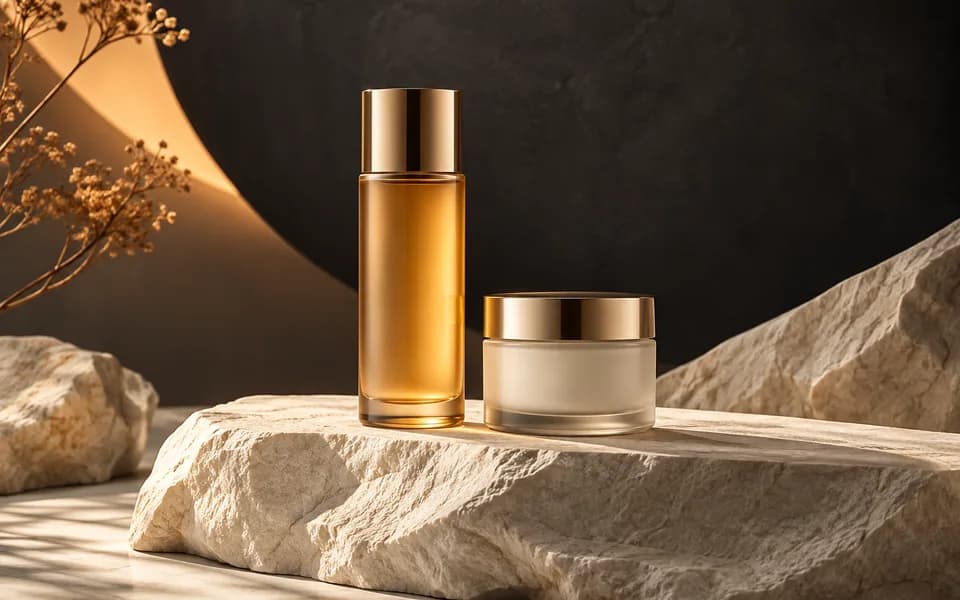
    Cosmetic bottle and jar photographed on sculptural stone in a studio
    Image
    AI poweredFeatured

    AI Product Photography Generator

    Generate studio-quality professional photos of your products in any scene instantly using AI.
    Explore tool
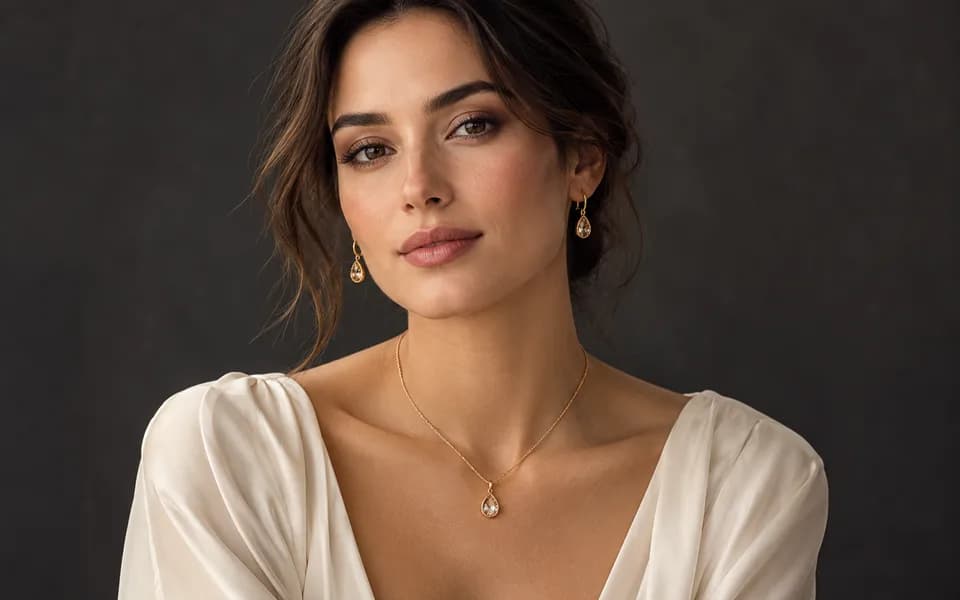
    Editorial portrait showing a gold necklace and matching earrings
    Image
    AI poweredFeatured

    AI Jewelry Virtual Try-On

    Let customers virtually try on rings, necklaces, and earrings on their own photos using realistic AI.
    Explore tool
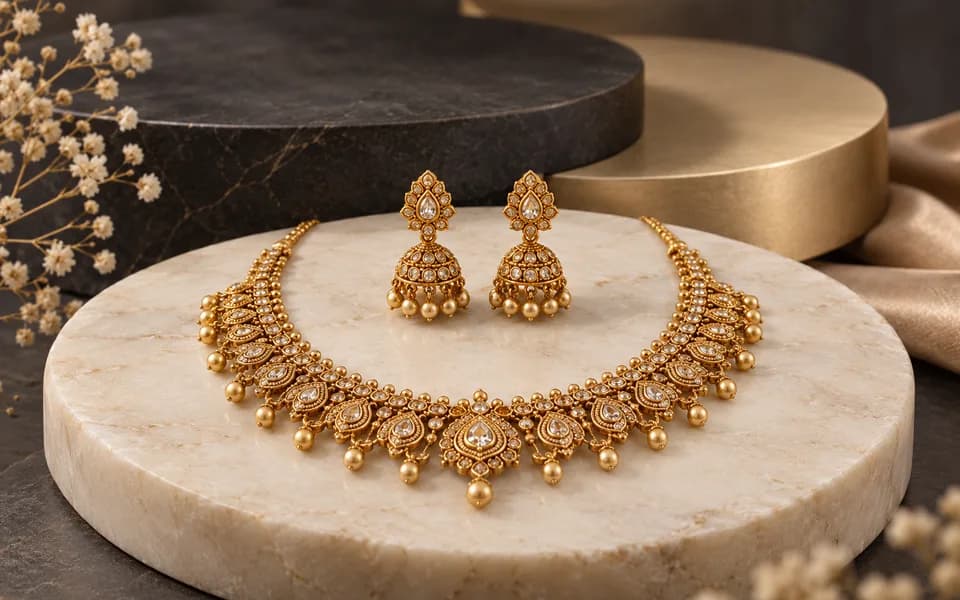
    Complete gold necklace and earrings arranged in a jewellery studio
    Image
    AI poweredFeatured

    Jewellery All In One

    Create product photos and try-on looks across jewellery batches, then download the results together.

    Explore tool
    Abstract gold emblem surrounded by cinematic amber light trails
    Video
    AI poweredFeatured

    Logo Animation Generator

    Animate your logo with stunning video effects using AI.
    Explore tool
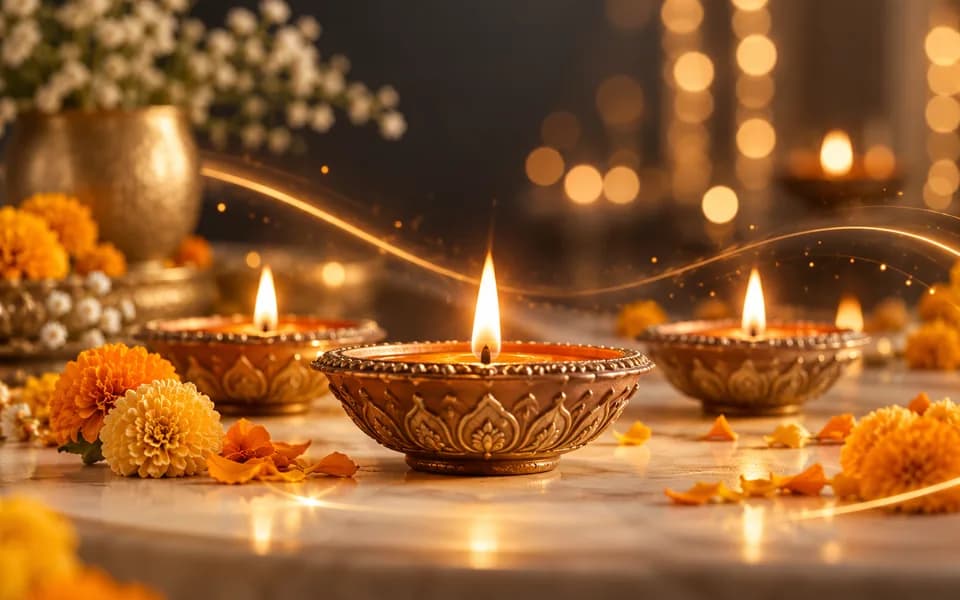
    Festive diyas and marigolds with warm cinematic lights
    Video
    AI poweredFeatured

    Festival Video Generator

    Generate professional, cinematic festival greetings videos using AI.
    Explore tool
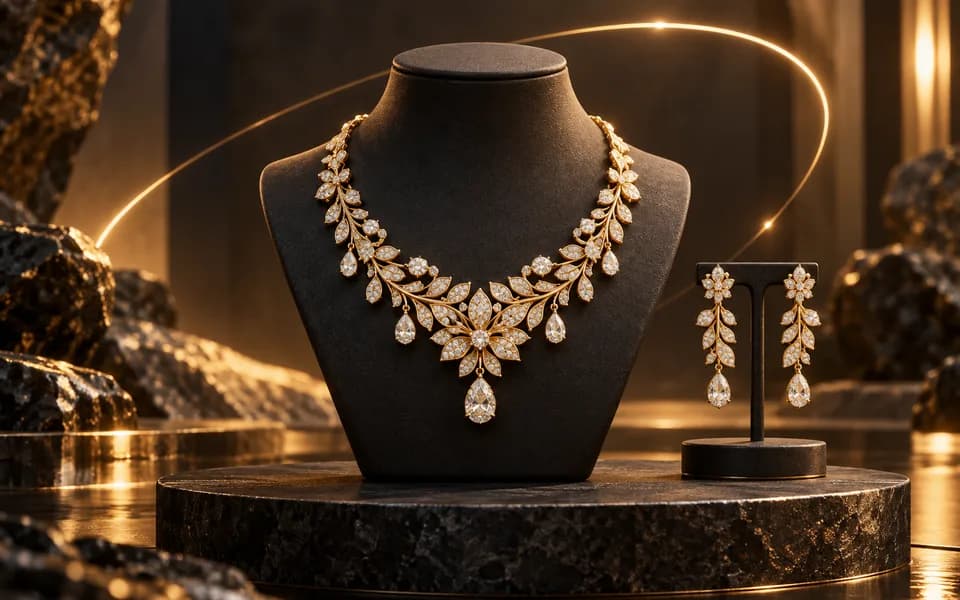
    Gold necklace and earrings on a dark pedestal with an orbiting light arc
    Video
    AI poweredFeatured

    Jewelry Product Videography

    Generate stunning, short video clips of jewelry products from text prompts.

    Explore tool
    Browse all tools

    Why Choose CodingMantra for Your Digital Needs?

    Privacy-First Architecture

    Browser utilities process data locally. When you choose to save a logo or document to your account, it is stored for reuse. AI tools send the inputs needed to generate your results.

    Advanced AI Integration

    We leverage the latest generative AI models (including Gemini and OpenRouter) to provide state-of-the-art capabilities like product photography generation, virtual try-ons, and high-converting marketing copy.

    Developer-Centric Utilities

    Built by developers for developers, our productivity suite includes essential utilities for JSON formatting, Regex testing, and security key generation, all optimized for a fast and seamless workflow.

    Tools for everyday work

    We believe in democratizing high-end technology. CodingMantra provides browser utilities and credit-based AI tools, helping small businesses and independent creators compete with larger enterprises.