
Select how you want to provide images for video generation.
Product details
Choose a starter style and upload an image. You can generate directly; drafting a prompt is optional.
Preview will appear here
160
4s
720p
Choose a festival preset (Diwali, Holi, Eid, etc.) or write a custom description of the desired atmosphere and visual style.
Provide a clear photo of the product or logo you want to feature, and adjust video duration (4-8 seconds).
The AI creates a short cinematic video based on your inputs. Be patient—this process takes a minute or more.
Once generated, download your video and use it for social media greetings, WhatsApp stories, or embedding in your website.
they provide the best starting point for lighting, motion, and style.
describe festive elements, lighting (e.g., 'warm diyas'), and camera movement.
4-8 seconds is ideal for social media; focus on one key visual element.
Static images are excellent, but video captures the true festive spirit and motion of a celebration. Our AI-powered video generator allows you to create short, professional-quality greeting clips that showcase your brand or wishes in a dynamic and engaging way, without the need for complex video editing software.
Continue your workflow with tools from this category and other useful options.
 Video
VideoAnimate your logo with stunning video effects using AI.
 Video
VideoGenerate stunning, short video clips of jewelry products from text prompts.
 Video
VideoGenerate professional, cinematic video clips for any product using AI.
 Image
ImageGenerate studio-quality professional photos of your products in any scene instantly using AI.
 Image
ImageLet customers virtually try on rings, necklaces, and earrings on their own photos using realistic AI.
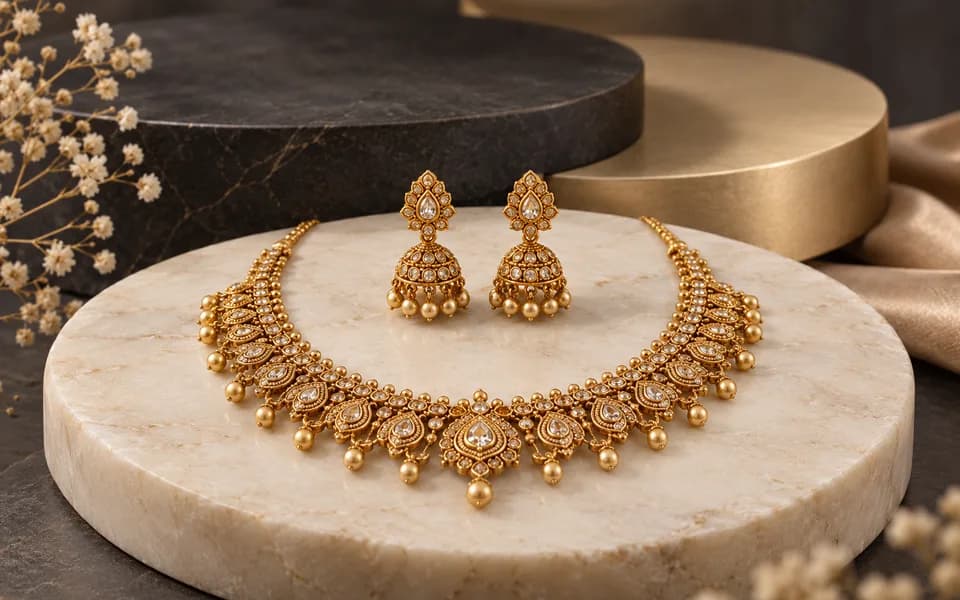 Image
ImageCreate product photos and try-on looks across jewellery batches, then download the results together.
Browser utilities process data locally. When you choose to save a logo or document to your account, it is stored for reuse. AI tools send the inputs needed to generate your results.
We leverage the latest generative AI models (including Gemini and OpenRouter) to provide state-of-the-art capabilities like product photography generation, virtual try-ons, and high-converting marketing copy.
Built by developers for developers, our productivity suite includes essential utilities for JSON formatting, Regex testing, and security key generation, all optimized for a fast and seamless workflow.
We believe in democratizing high-end technology. CodingMantra provides browser utilities and credit-based AI tools, helping small businesses and independent creators compete with larger enterprises.
