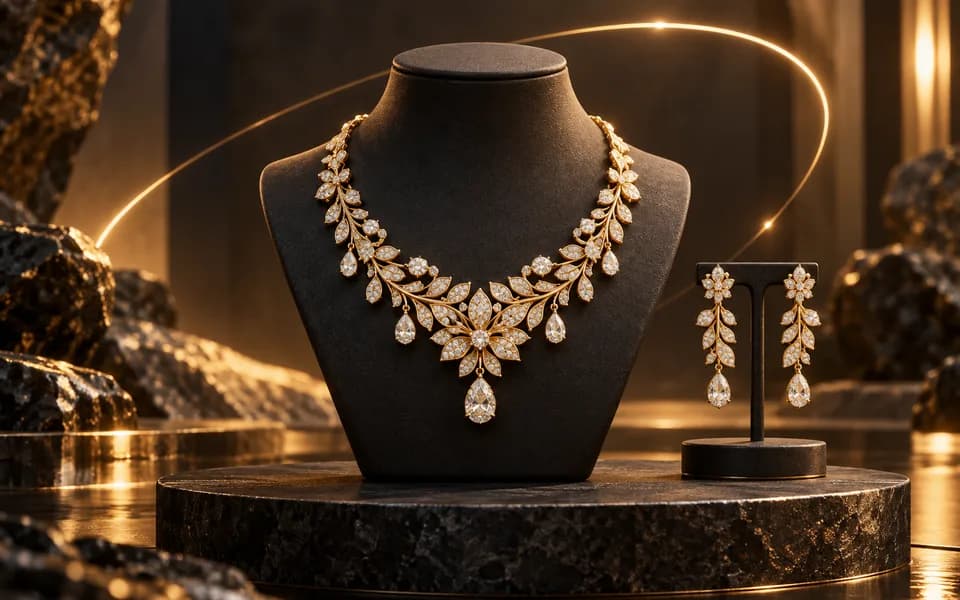
Select how you want to provide images for video generation.
18K gold with solitaire diamond
Choose a starter style and upload an image. You can generate directly; drafting a prompt is optional.
Preview will appear here
160
4s
720p
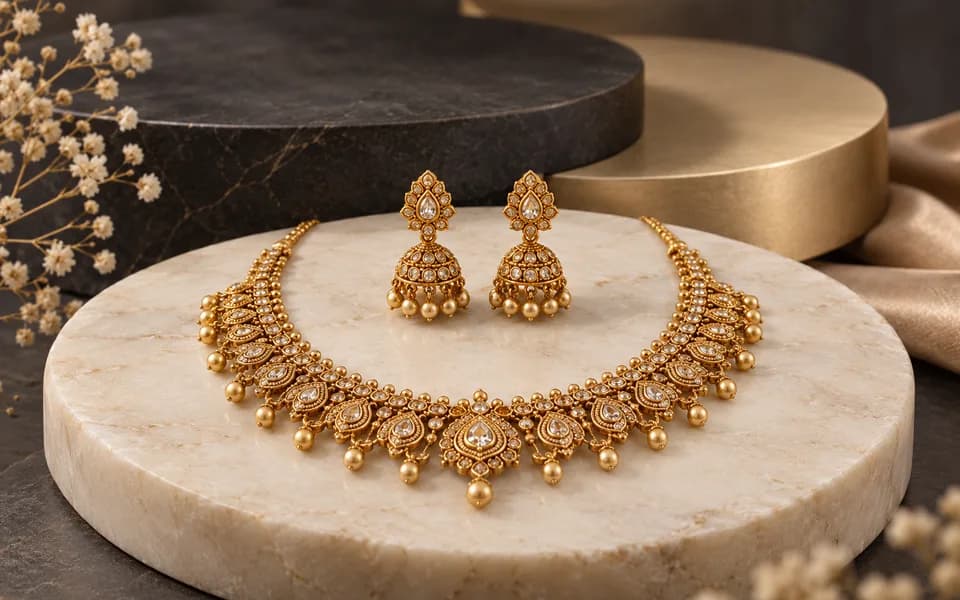
Provide a clear, well-lit photo of the jewelry piece you want to feature. Macro or close-up photos with good lighting work best.
Write a prompt detailing how the jewelry should appear in motion. Mention camera angles, lighting, background, and any special effects like sparkle or rotation.
Click generate and wait for the AI to create your jewelry video. This process typically takes a minute or more depending on complexity.
Once ready, download the video and use it on your product pages, social media, or marketing materials to give customers a dynamic view of your jewelry.
terms like 'close-up,' 'sparkling,' 'reflecting light,' and 'slow rotation' produce the most stunning jewelry videos.
describe dark or neutral backgrounds ('black velvet,' 'soft dark backdrop') to make the jewelry shine and stand out.
mention specific materials like 'gold,' 'silver,' 'diamonds,' or 'pearls' for more accurate color and reflection rendering.
Static images are great, but video captures the true sparkle, shine, and intricate detail of a piece of jewelry. Our AI-powered videography tool allows you to generate short, professional-quality video clips that showcase your products in a dynamic and engaging way, without the need for expensive cameras or complex video editing. Whether you sell rings, necklaces, bracelets, or earrings, a short video that shows the piece catching the light can make all the difference in a customer's buying decision.
Jewelry is all about the details—the way light refracts through a gemstone, the subtle gleam of polished metal, the delicate movement of a chain. A well-produced video conveys these qualities far better than any static image. Our tool makes it possible for jewelers and e-commerce brands of any size to produce these videos at scale, transforming their product pages from flat catalogs into immersive shopping experiences.
Continue your workflow with tools from this category and other useful options.
 Video
VideoAnimate your logo with stunning video effects using AI.
 Video
VideoGenerate professional, cinematic festival greetings videos using AI.
 Video
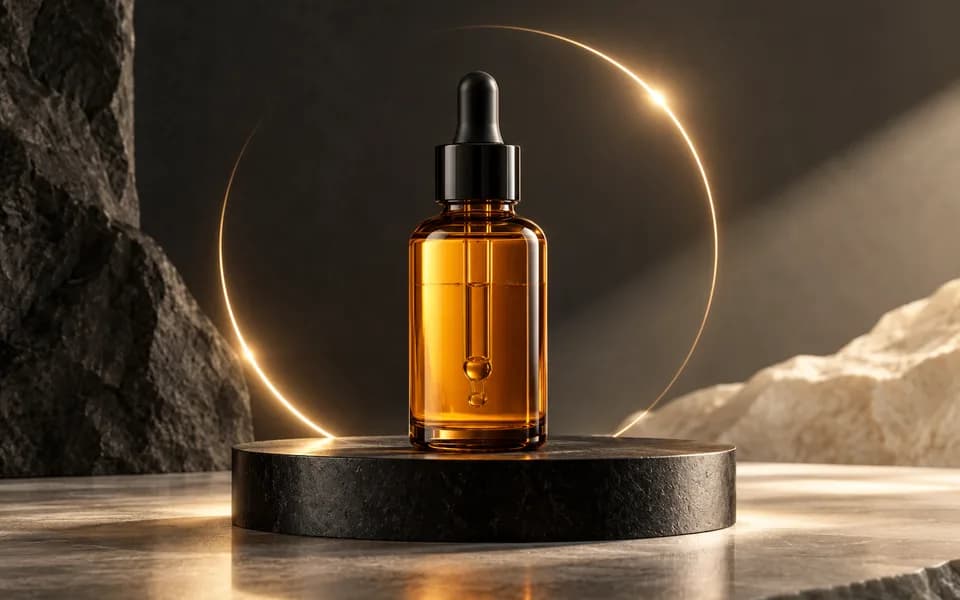
VideoGenerate professional, cinematic video clips for any product using AI.
 Image
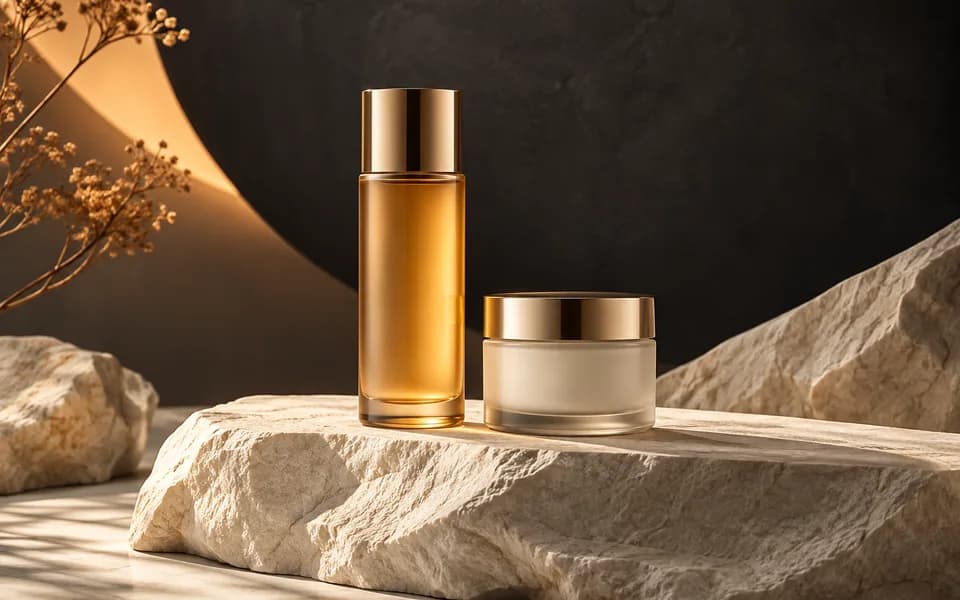
ImageGenerate studio-quality professional photos of your products in any scene instantly using AI.
 Image
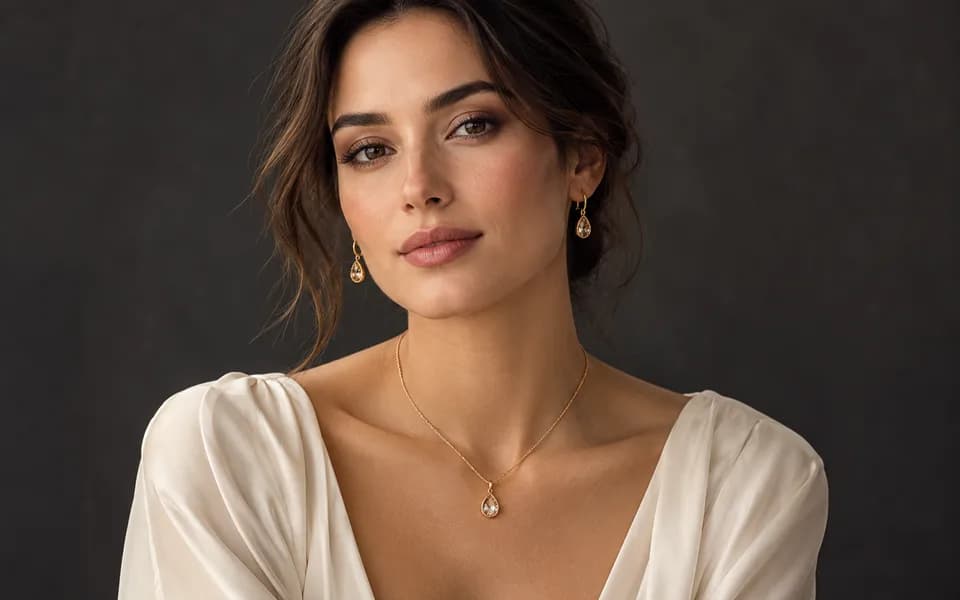
ImageLet customers virtually try on rings, necklaces, and earrings on their own photos using realistic AI.
 Image
ImageCreate product photos and try-on looks across jewellery batches, then download the results together.
Browser utilities process data locally. When you choose to save a logo or document to your account, it is stored for reuse. AI tools send the inputs needed to generate your results.
We leverage the latest generative AI models (including Gemini and OpenRouter) to provide state-of-the-art capabilities like product photography generation, virtual try-ons, and high-converting marketing copy.
Built by developers for developers, our productivity suite includes essential utilities for JSON formatting, Regex testing, and security key generation, all optimized for a fast and seamless workflow.
We believe in democratizing high-end technology. CodingMantra provides browser utilities and credit-based AI tools, helping small businesses and independent creators compete with larger enterprises.
