AI Product Photography: Create Studio-Quality Images for Free
Posted by Param Mehta on September 19, 2025

In the world of e-commerce, your product photos are your most powerful salespeople. They have to grab attention, showcase quality, and convince a customer to click "add to cart." But professional photoshoots are expensive, time-consuming, and require a studio, photographer, and equipment—resources that many small and medium-sized businesses simply don't have.
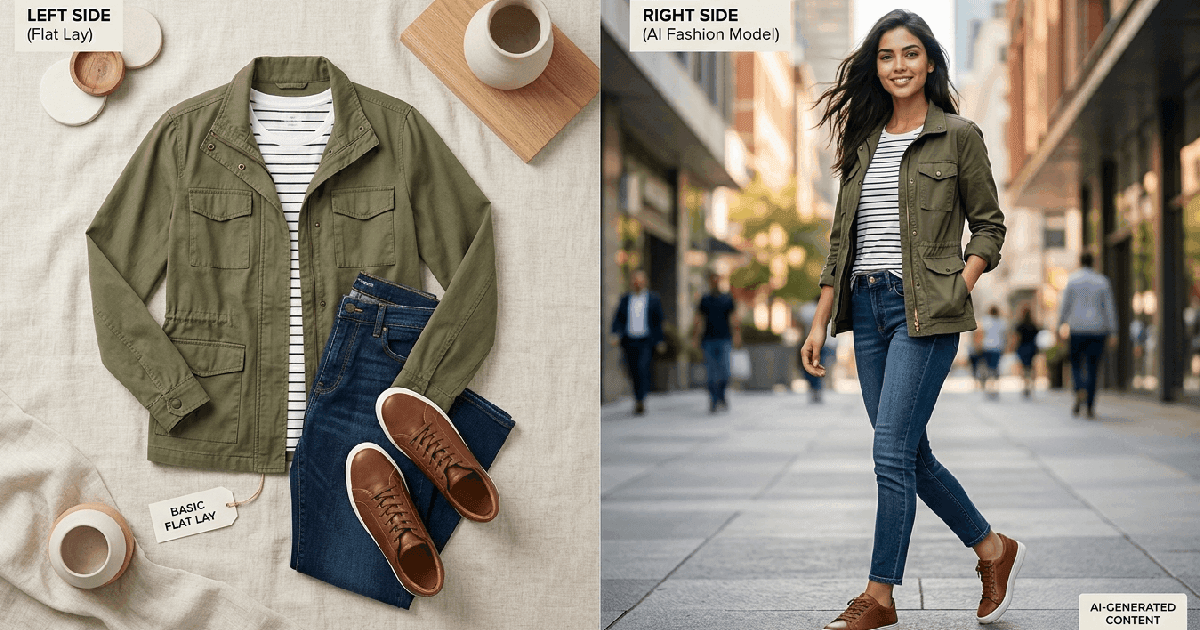
What if you could place your product on a marble countertop in a luxury kitchen, on a rustic wooden table in a cozy cafe, or on a windswept beach at sunset, all without leaving your desk? That’s not science fiction; it’s the power of AI. Our Free AI Product Photography Generator is designed to empower any business to create an infinite variety of studio-quality images from a single product photo.
How It Works: From a Simple Photo to a Stunning Scene
The process is incredibly simple yet powerful. Our tool uses advanced generative AI to understand your product and place it seamlessly into a brand-new, artificially generated environment. Here’s the step-by-step guide to creating your first masterpiece:
Step 1: Start with a Clean Product Image
The better your input, the better your output. For the best results, upload a clear, well-lit photo of your product against a plain, neutral background (like white or gray). This helps the AI easily identify and "cut out" your product from its original surroundings.
Step 2: Describe Your Dream Scene
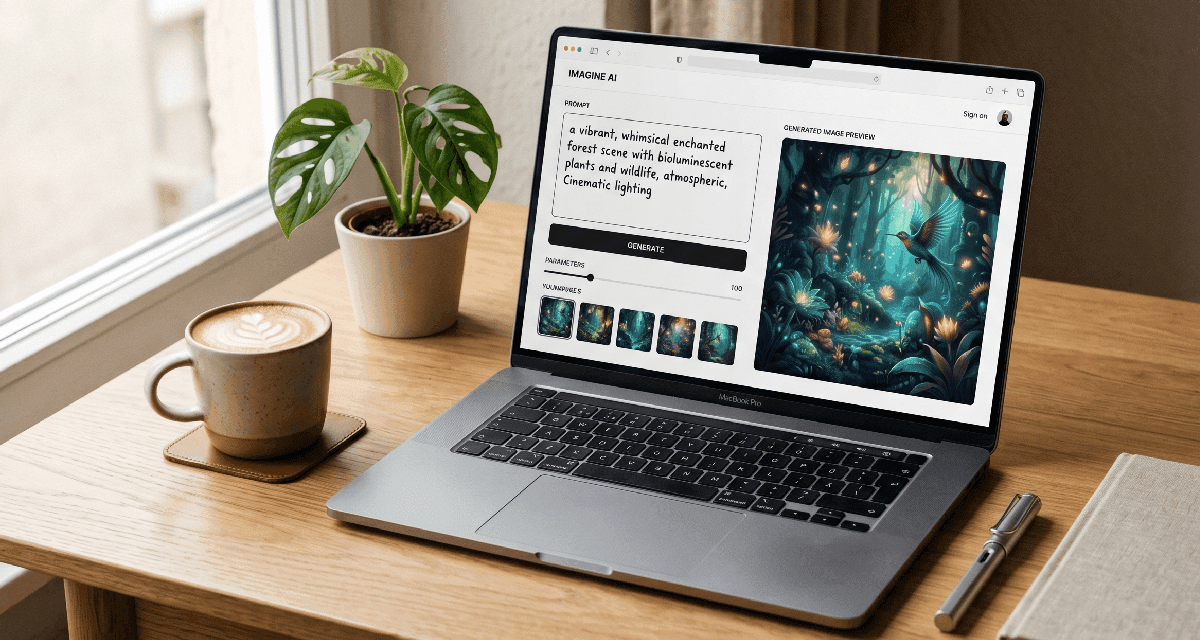
This is where the magic happens. In the "Scene Prompt" box, describe the environment you want to place your product in. Don’t just say "on a table." Be descriptive! The more detail you provide, the better the result. Think about:
- The Surface: Is it a `polished marble countertop`, a `rustic wooden table`, or `a bed of fresh green moss`?
- The Background: What’s behind the product? A `softly blurred modern kitchen`, a `sun-drenched beach`, or `dramatic studio lighting`?
- The Mood & Lighting: Use words like `warm morning light`, `dramatic shadows`, `cinematic`, `cozy and inviting`, or `clean and minimalist`.
- Supporting Props: What other objects are in the scene? You can add things like `next to a steaming cup of coffee`, `surrounded by fresh ingredients`, or `with festive holiday decorations`.
Step 3 (Optional): Add Your Branding
To make the images uniquely yours, you can add your logo and marketing text.
- Logo: Upload your company logo to be subtly placed in a corner of the image.
- Overlay Text: Add a punchy call-to-action like "50% Off" or "New Arrival".
- Marketing Text: Include a secondary slogan or tagline.
Step 4: Generate and Download
Click "Generate Photo." The AI will process your inputs and create a new, photorealistic image. If you love it, download it immediately. If it's not quite right, tweak your prompt and try again. The possibilities are endless!
Pro-Tips for Getting the Best Results
- Be Specific with Lighting: Words like `soft natural daylight`, `dramatic studio spotlight`, `golden hour lighting`, or `moody cinematic lighting` will have a huge impact on the final image.
- Use the "Inspiration Gallery": Not sure where to start? Click on an image from our gallery at the bottom of the page. This will automatically load a professionally crafted prompt that you can use as a starting point and customize further.
- Iterate and Refine: Your first prompt might not be perfect. Treat it as a conversation with the AI. If the result is too busy, add "minimalist" or "clean background" to your prompt. If it's too dark, add "bright and airy."
- Combine Prompts: Mix and match ideas. You could start with the "Modern Concrete Pedestal" prompt from the gallery and add "surrounded by lush tropical leaves and a fine mist" to create something entirely new and unique.
Stop letting bad photos kill your sales.
You now have a professional photography studio at your fingertips. Start creating stunning, high-converting product images today and see the difference it makes for your brand.
Try the AI Product Photography Generator NowAbout the Author: Param Mehta
Param Mehta is a senior full-stack software engineer, open-source enthusiast, and product architect specializing in generative AI and digital experiences.