Cinematic Product Videos: Transform Static Images into Motion
Posted by Param Mehta on September 22, 2025
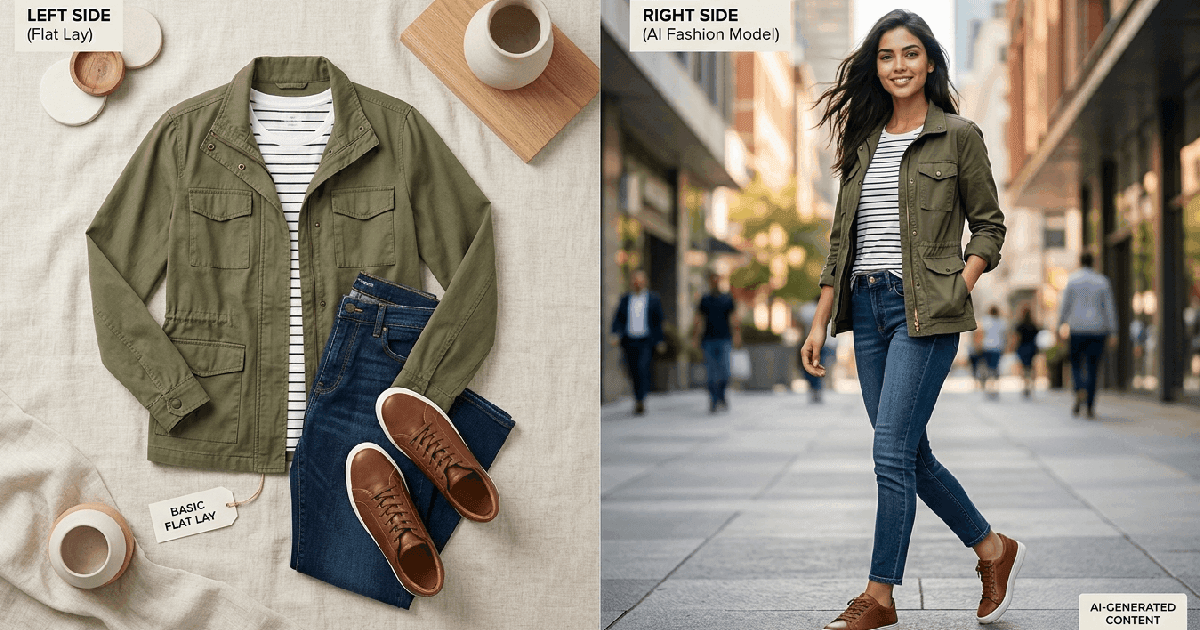
In the age of TikTok, Instagram Reels, and YouTube Shorts, static images are no longer enough to capture attention. Consumers crave motion. They stop scrolling for video. But for most businesses, high-quality video production is a barrier that's too high to climb.
Hiring a video crew, renting a studio, setting up lighting, and editing footage takes weeks and costs thousands. What if you could get the same cinematic result from a single photo you already have?
Our AI Product Videography Tool makes this possible. It transforms your static product images into dynamic, high-definition video showcases in seconds.
Why Video Converts Better
It's not just a trend; it's psychology. Video engages more senses and holds attention longer.
- Showcase Details: A static photo shows one angle. A video with a slow "pan" or "orbit" reveals the texture, the curves, and the light reflecting off your product.
- Stop the Scroll: Movement catches the eye. A product spinning or floating in a video is infinitely more likely to get a user to pause their feed than a still image.
- Higher Perceived Value: Cinematic camera movements (like a slow truck or dolly zoom) have traditionally been associated with high-budget commercials. Applying these to your product instantly elevates your brand perception.
How It Works: Be Your Own Director
You don't need a camera. You just need an image.
1. Upload Your Product Image
Start with a clean, high-quality photo of your product. The AI will use this as the anchor for the video.
2. Choose Your Camera Move
This is where the magic happens. Select from professional camera movements:
- Orbit: The camera circles around the product, showing it from multiple sides.
- Pan: A smooth horizontal sweep across the product.
- Zoom: A dramatic push-in to highlight a specific detail.
3. Describe the Vibe
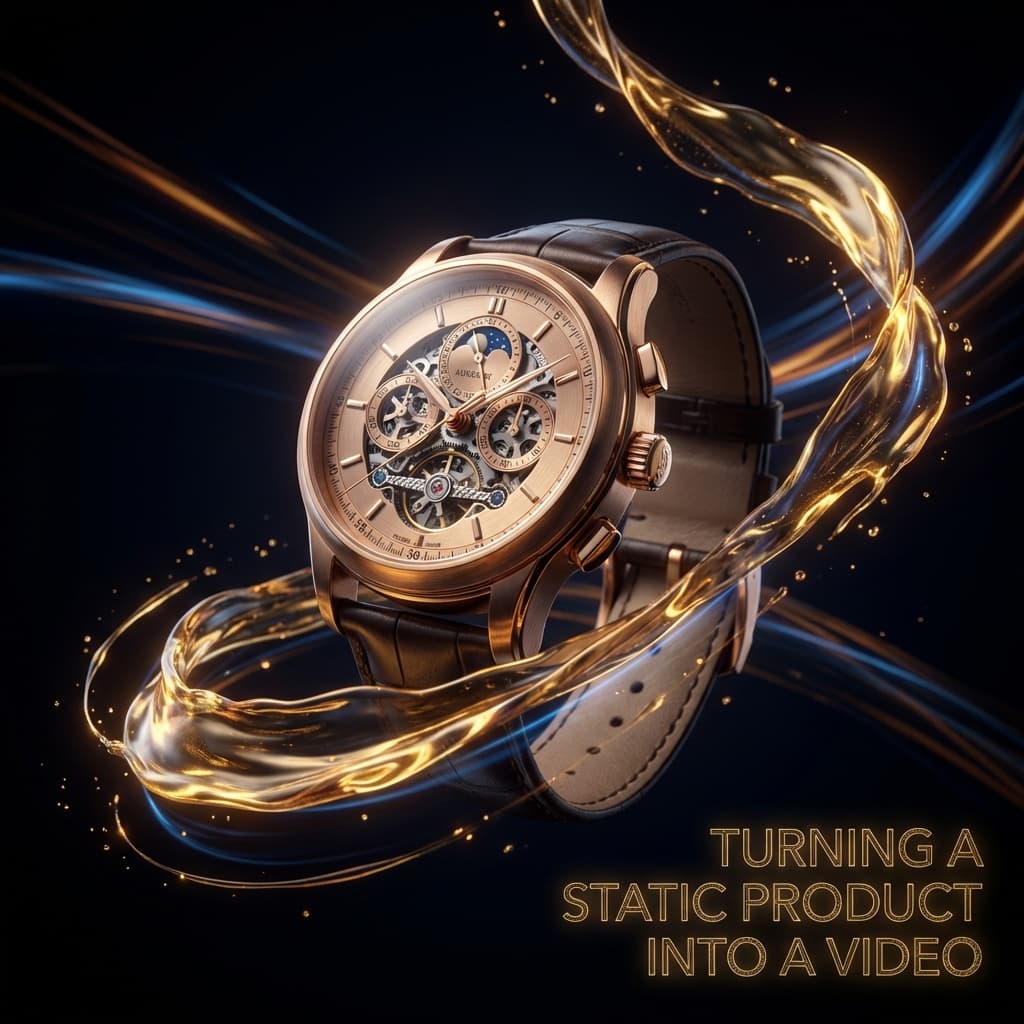
Want smoke swirling around your perfume bottle? Or water splashing against your waterproof watch? Just type it in the prompt, and the AI will animate not just the camera, but the elements around your product.
Ready to make your products move?
Don't get left behind in the static age. Create professional, scroll-stopping videos today with our easy-to-use AI tool.
Create Your Product Video NowAbout the Author: Param Mehta
Param Mehta is a senior full-stack software engineer, open-source enthusiast, and product architect specializing in generative AI and digital experiences.