CodingMantra LogoCodingMantra
GalleryProductsPortfolioServicesGamesPricingContact
Loading AI Talking Avatar…
CodingMantra LogoCodingMantra

AI tools and software services for people building better digital experiences.

WhatsApp ChannelX / TwitterLinkedInInstagramFacebookGitHubYouTube

Company

  • Home
  • About Us
  • Services
  • Products
  • Portfolio
  • Pricing
  • Blog
  • API Docs
  • MCP Integration
  • Contact Us

Top Tools

  • All Tools
  • Image Tools
  • Video Tools
  • Brand Context
  • Digital Marketing
  • Financial Tools
  • SEO Tools

Legal

  • Privacy Policy
  • Terms & Conditions
  • Return Policy
  • Deals
  • Sitemap

© 2026 CodingMantra. All Rights Reserved.

    1. Home
    2. Tools
    3. Video Tools
    4. AI Talking Avatar
    Video Tools

    AI Talking Avatar

    Turn one photo into a presenter. Create expressive talking videos from your spoken script, with clear costs before you generate.

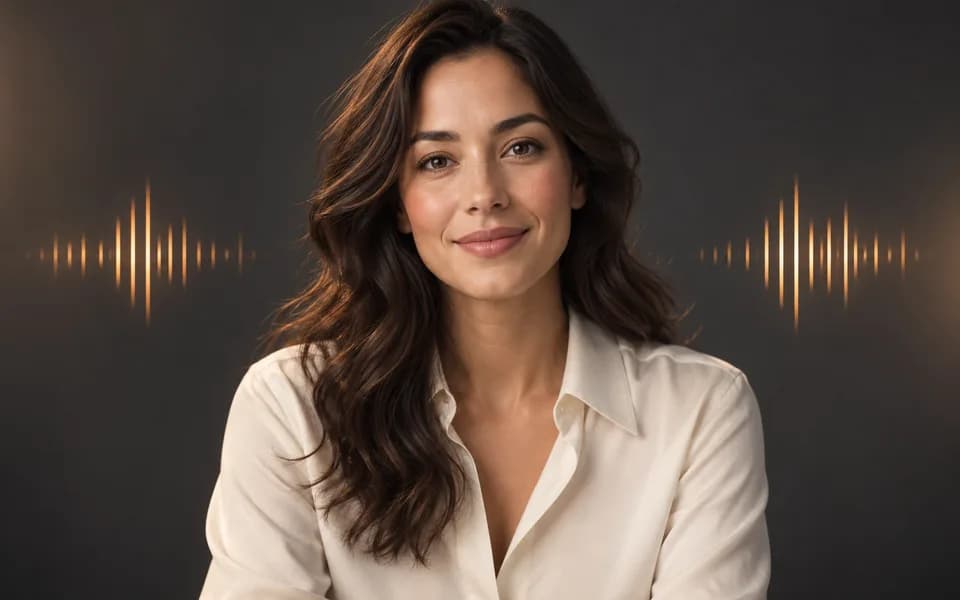
    Presenter portrait with an abstract audio waveform
    Choose Model
    2m 0s

    15s × 20 credits/s = 300 credits · Full HD

    Speech determines the final length. Duration sets your script and credit budget.

    1. Avatar photo

    Use an existing Human Builder model

    Choose from your 3D Models gallery, then crop one front-facing portrait. Reusing and cropping your saved image costs no credits.

    Sign in to choose your saved models.

    One person, front-facing, well lit, with the face and mouth visible. Use a single portrait rather than a sheet with several views.

    2. Goal & language

    Your goal, selected portrait and settings guide the draft. Add factual product details and any call to action you want included.

    Fills speech, title, performance, motion and a suggested budget. Keeps your language, quality, format and background. This prepares details; video generation is a separate action.

    Choose a portrait above to enable auto-fill.

    Sign in to use auto-fill.

    3. What should your avatar say?

    0 words · about 5s at this speed. Write only speech; motion has its own controls below.

    Generation will be available when voice choices are configured.

    4. Performance & scene

    Speak confidently to the camera with calm posture, clear expression and restrained presenter gestures.

    Advanced motion and expressiveness

    5. Output

    Preview will appear here

    Credits

    300

    Duration budget

    15s

    Quality

    1080p

    1 avatar video

    Photo
    Required
    Speech
    Text to speech
    Performance
    Professional
    Captions
    Off
    Output
    1080p · 9:16
    Duration budget
    15s

    App price for your duration budget and quality. 720p is 15 credits/s; 1080p is 20 credits/s. Spoken duration is approximate; the provider determines the final length. No video is generated by script-assistant buttons.

    A simple speaking-avatar workflow

    Choose an existing Human Builder model from your gallery and crop one front-facing portrait, or upload a clear photo. Describe your goal and choose the spoken language. Auto-fill can prepare an editable script, title, performance and motion from your portrait and selections. You can also enter the speech manually. Review the details and credit price before generating. Reusing and cropping a saved model costs no credits. Short sentences and restrained gestures help keep delivery natural. Output defaults to 1080p in a vertical format for Reels and Shorts.

    Frequently asked questions

    Can I use my own audio?

    This release supports text scripts. Audio upload will become available once its request format is verified for the provider integration.

    Is the duration exact?

    No. Speech speed and pronunciation determine the rendered length. The target duration is an approximate script budget. Review a short version before making a longer video.

    Can I customize the background and captions?

    Keep the original background or use a solid color. Captions use the provider’s default styling. Transparent output and custom caption styles are not offered in this release.

    For cinematic scenes, use AI Story Teller. For product motion, use Product Videography.