Your AI-generated image will appear here
Finding the perfect model for your brand's photoshoots can be challenging and expensive. Our Human Builder tool empowers you to create custom, photorealistic AI models tailored precisely to your brand's aesthetic and target audience. Generate professional virtual models for ecommerce, fashion photography, and marketing campaigns without the cost of hiring human models.
Start by choosing the model's Name, Age (Child, Teen, Adult, Senior), Gender, Cultural Traits, and Skin Tone to define the base demographics.
Switch to the Face tab to select Eye Color, Eye Shape, Nose Shape, and Face Shape for precise control over facial appearance.
In the Hair tab, customize Hair Style, Hair Color, Hair Thickness, and Hair Type (Straight, Wavy, Curly, Coily) to match your brand aesthetic.
Use the Body tab to define the model's Size (XS to XXL), Height, Body Shape, Muscle Definition, and other physical characteristics.
Upload reference images or use Extra Description for unique traits like tattoos, freckles, scars, or specific styling not covered by standard options.
Click Generate to create your AI model. Use Multi-View for 4 consistent angles. Then use with Product Photography to feature your products on custom virtual models.
The AI performs best when focusing on primary attributes like gender, age range, and ethnicity. Avoid overloading with too many conflicting specifications.
Enable Multi-View to generate 4 angles of your model (Front, Side, 3/4, Close-up). This ensures visual consistency across all your marketing materials.
Upload reference images of real people to guide the AI. The model will preserve facial structure while applying your specified modifications.
Use concise, specific descriptions for unique traits. Instead of 'cool tattoo', specify 'tribal arm tattoo' for better results.
Generate multiple variations to find the perfect look. AI generation is iterative - fine-tune based on initial results.
Continue your workflow with tools from this category and other useful options.
 Image
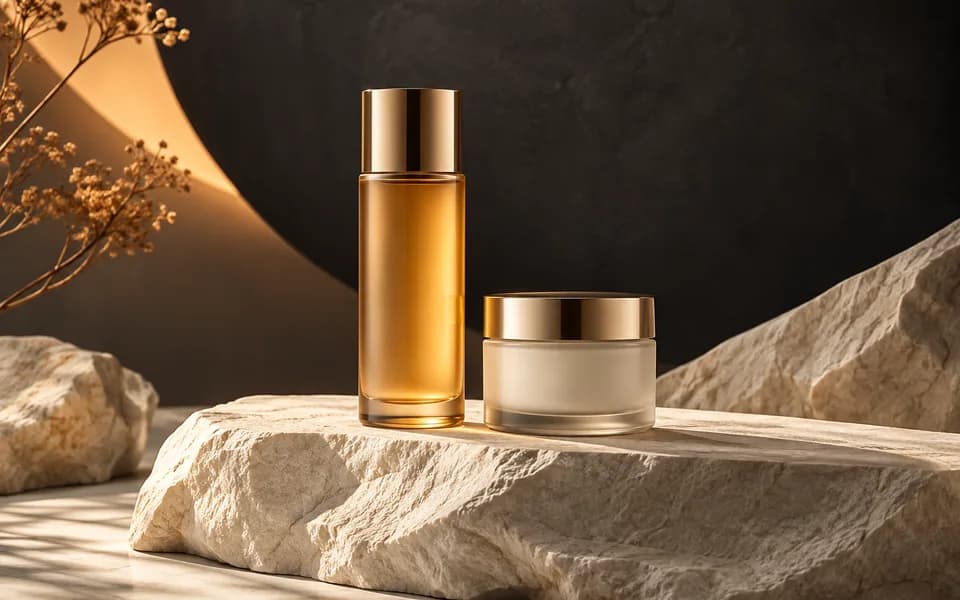
ImageGenerate studio-quality professional photos of your products in any scene instantly using AI.
 Image
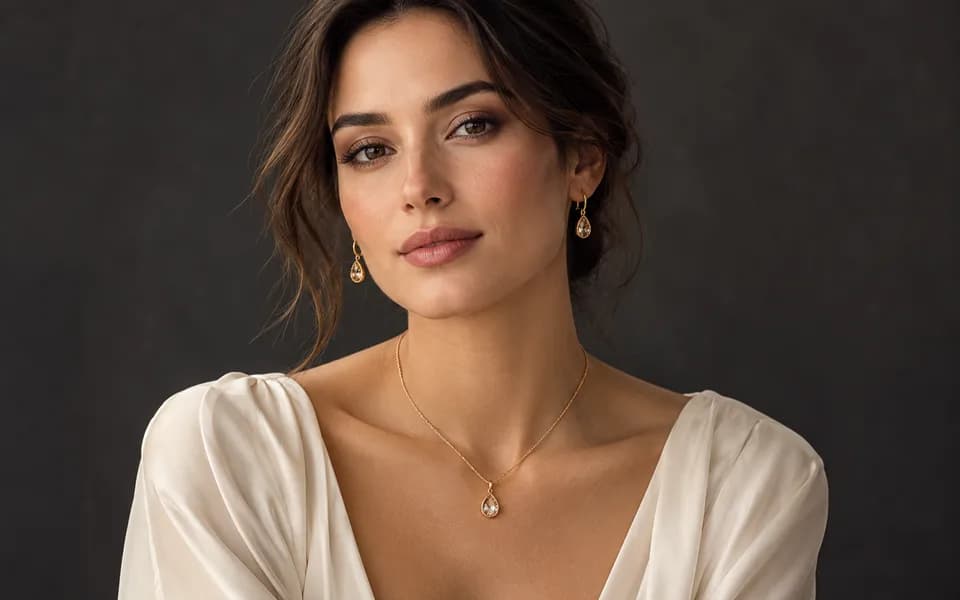
ImageLet customers virtually try on rings, necklaces, and earrings on their own photos using realistic AI.
 Image
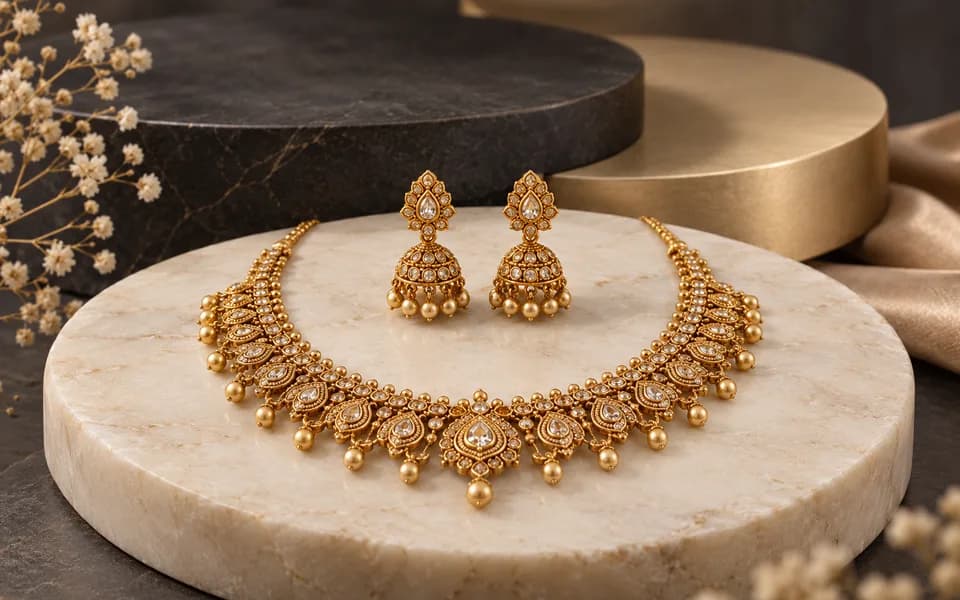
ImageCreate product photos and try-on looks across jewellery batches, then download the results together.
 Video
VideoAnimate your logo with stunning video effects using AI.
 Video
VideoGenerate professional, cinematic festival greetings videos using AI.
 Video
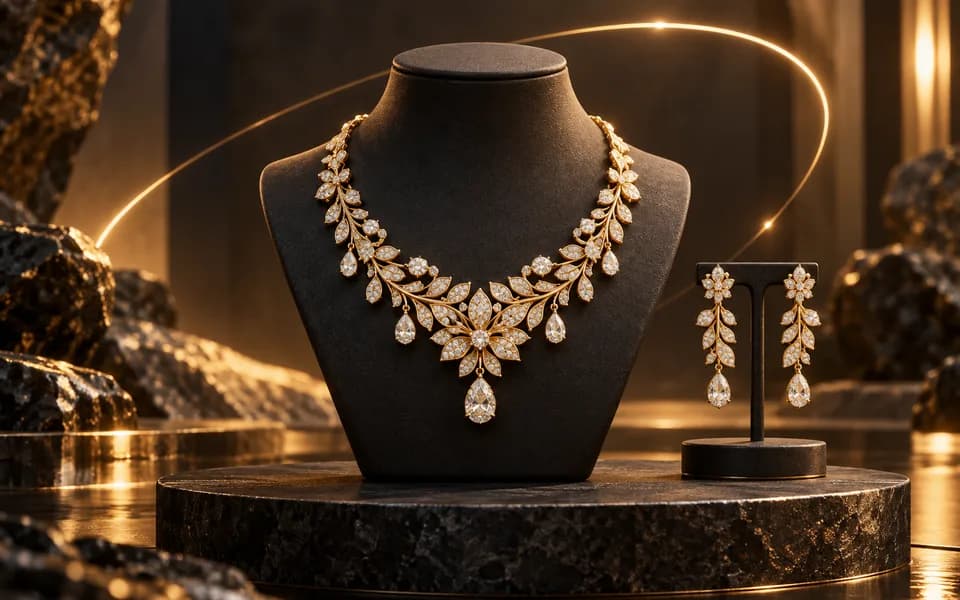
VideoGenerate stunning, short video clips of jewelry products from text prompts.
Browser utilities process data locally. When you choose to save a logo or document to your account, it is stored for reuse. AI tools send the inputs needed to generate your results.
We leverage the latest generative AI models (including Gemini and OpenRouter) to provide state-of-the-art capabilities like product photography generation, virtual try-ons, and high-converting marketing copy.
Built by developers for developers, our productivity suite includes essential utilities for JSON formatting, Regex testing, and security key generation, all optimized for a fast and seamless workflow.
We believe in democratizing high-end technology. CodingMantra provides browser utilities and credit-based AI tools, helping small businesses and independent creators compete with larger enterprises.
