CodingMantra LogoCodingMantra
GalleryProductsPortfolioServicesGamesPricingContact
CodingMantra LogoCodingMantra

AI tools and software services for people building better digital experiences.

WhatsApp ChannelX / TwitterLinkedInInstagramFacebookGitHubYouTube

Company

  • Home
  • About Us
  • Services
  • Products
  • Portfolio
  • Pricing
  • Blog
  • API Docs
  • MCP Integration
  • Contact Us

Top Tools

  • All Tools
  • Image Tools
  • Video Tools
  • Brand Context
  • Digital Marketing
  • Financial Tools
  • SEO Tools

Legal

  • Privacy Policy
  • Terms & Conditions
  • Return Policy
  • Deals
  • Sitemap

© 2026 CodingMantra. All Rights Reserved.

    1. Home
    2. Tools
    3. Image Tools
    4. Image Converter
    Image Tools

    Free Image Format Converter

    Quickly convert your images to PNG, JPEG, or WEBP format. The tool runs entirely in your browser.

    Image Format Converter tool illustration

    Image Format Converter

    Convert your images between PNG, JPEG, and WebP formats securely in your browser.

    Upload an image

    or select from gallery

    Result will appear here

    Why Convert Image Formats?

    Different image formats are optimized for different purposes. Choosing the right format is crucial for web performance, print quality, and design flexibility. Our converter allows you to switch between the most common formats effortlessly.

    Understanding Common Image Formats

    • JPEG (or JPG): Best for photographs and images with complex color gradients. JPEGs use "lossy" compression, which means they can achieve very small file sizes but at the cost of some image quality. It's the most common format on the web for photos.
    • PNG: Best for graphics, logos, and images that require a transparent background. PNGs use "lossless" compression, which means they retain all image data and quality, but often result in larger file sizes than JPEGs.
    • WEBP: A modern format developed by Google. WEBP offers superior lossless and lossy compression, meaning it can provide smaller file sizes than both JPEG and PNG while maintaining higher quality. It also supports transparency and animation. It's the recommended format for modern web development.

    How to use this tool

    1. 1

      Upload

      your image using the Upload Image field — supports PNG, JPEG, WEBP, and other common formats.

    2. 2

      Select

      your desired Output Format — PNG for transparency and lossless quality, JPEG for smaller photo files, or WEBP for modern web use.

    3. 3

      Click Convert

      — the tool processes your image entirely in your browser. No upload to any server.

    4. 4

      Download

      the converted file instantly.

    Tips for better results

    • Use WEBP for web images

      it provides the best balance of quality and file size, typically 25-35% smaller than JPEG at equivalent quality.

    • Use PNG for transparency

      if your image has a transparent background (logos, icons), always convert to PNG. JPEG does not support transparency.

    • Use JPEG for photographs

      photos saved as JPEG are significantly smaller than PNG with minimal visible quality loss.

    • Don't convert lossy to lossless expecting quality gains

      converting a JPEG to PNG won't restore lost detail; the file just gets bigger without improving quality.

    • Convert PNG to WEBP

      for web performance — you'll typically see 50-70% file size reduction with nearly identical visual quality.

    • All processing happens in your browser

      your images are never uploaded to any server, ensuring complete privacy.

    Frequently Asked Questions (FAQs)

    Explore related tools

    Continue your workflow with tools from this category and other useful options.

    Cosmetic bottle and jar photographed on sculptural stone in a studio
    Image
    AI poweredFeatured

    AI Product Photography Generator

    Generate studio-quality professional photos of your products in any scene instantly using AI.

    Explore tool
    Editorial portrait showing a gold necklace and matching earrings
    Image
    AI poweredFeatured

    AI Jewelry Virtual Try-On

    Let customers virtually try on rings, necklaces, and earrings on their own photos using realistic AI.
    Explore tool
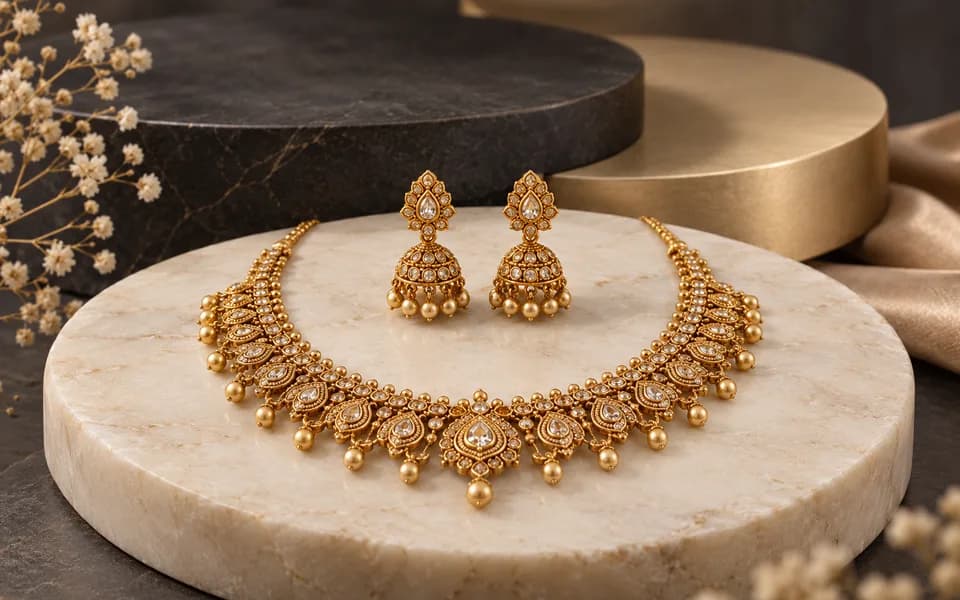
    Complete gold necklace and earrings arranged in a jewellery studio
    Image
    AI poweredFeatured

    Jewellery All In One

    Create product photos and try-on looks across jewellery batches, then download the results together.

    Explore tool
    Abstract gold emblem surrounded by cinematic amber light trails
    Video
    AI poweredFeatured

    Logo Animation Generator

    Animate your logo with stunning video effects using AI.

    Explore tool
    Festive diyas and marigolds with warm cinematic lights
    Video
    AI poweredFeatured

    Festival Video Generator

    Generate professional, cinematic festival greetings videos using AI.

    Explore tool
    Gold necklace and earrings on a dark pedestal with an orbiting light arc
    Video
    AI poweredFeatured

    Jewelry Product Videography

    Generate stunning, short video clips of jewelry products from text prompts.

    Explore tool
    Browse all tools

    Why Choose CodingMantra for Your Digital Needs?

    Privacy-First Architecture

    Browser utilities process data locally. When you choose to save a logo or document to your account, it is stored for reuse. AI tools send the inputs needed to generate your results.

    Advanced AI Integration

    We leverage the latest generative AI models (including Gemini and OpenRouter) to provide state-of-the-art capabilities like product photography generation, virtual try-ons, and high-converting marketing copy.

    Developer-Centric Utilities

    Built by developers for developers, our productivity suite includes essential utilities for JSON formatting, Regex testing, and security key generation, all optimized for a fast and seamless workflow.

    Tools for everyday work

    We believe in democratizing high-end technology. CodingMantra provides browser utilities and credit-based AI tools, helping small businesses and independent creators compete with larger enterprises.