Your AI-generated image will appear here
A logo is the face of your company. It's the first thing customers see and the symbol they remember. Creating a professional logo used to require significant time and budget. Our AI Logo Creator changes that, giving you the power to generate dozens of unique, high-quality logo concepts instantly.
your Company Name (required) — this is the primary text that will appear in your logo.
a Subtitle/Slogan (optional) — e.g., "Innovation First" or "Since 1995".
a style from Popular Style Instructions (e.g., "Minimalist Geometric", "Classic Emblem") or type custom style guidance in Additional Instructions.
your Industry — this helps the AI select appropriate symbols, colors, and design language for your sector.
Ideas/Keywords/Concepts — enter descriptive words like "bold, eco-friendly, mountain, trust" to guide the design direction.
in the Color Suggestions field — e.g., "navy blue and gold" or "green and white".
a Style Reference Image (an existing logo or design you like) and any Additional Reference Images for inspiration.
your desired Output Shape and click Generate.
these are the two most important inputs. Without them, the AI has no context for your logo.
"minimalist geometric with clean lines" gives much better results than "modern logo".
"like Apple's simplicity" or "similar to Nike's boldness" gives the AI a clear design direction.
in Ideas/Concepts — too many keywords can create muddled designs.
rather than vague descriptions — "hex #1a3a5c and gold" or "deep navy and warm gold" is better than "blue and yellow".
if you have a logo you admire — the AI will use it for style inspiration without copying it.
try different styles and keywords across several generations to find the perfect logo.
square works for profile pictures and favicons, landscape for website headers.
Continue your workflow with tools from this category and other useful options.
 Image
ImageGenerate studio-quality professional photos of your products in any scene instantly using AI.
 Image
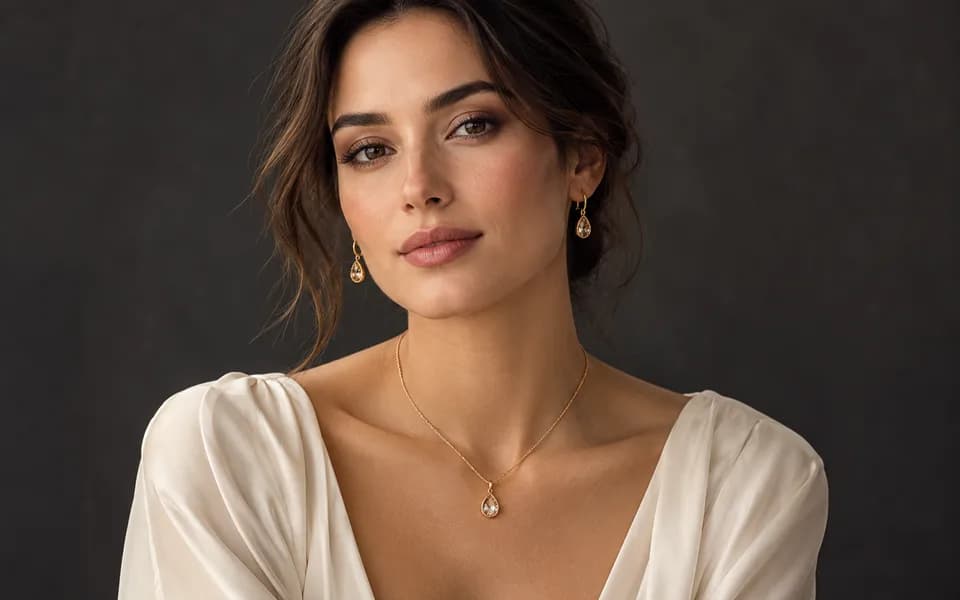
ImageLet customers virtually try on rings, necklaces, and earrings on their own photos using realistic AI.
 Image
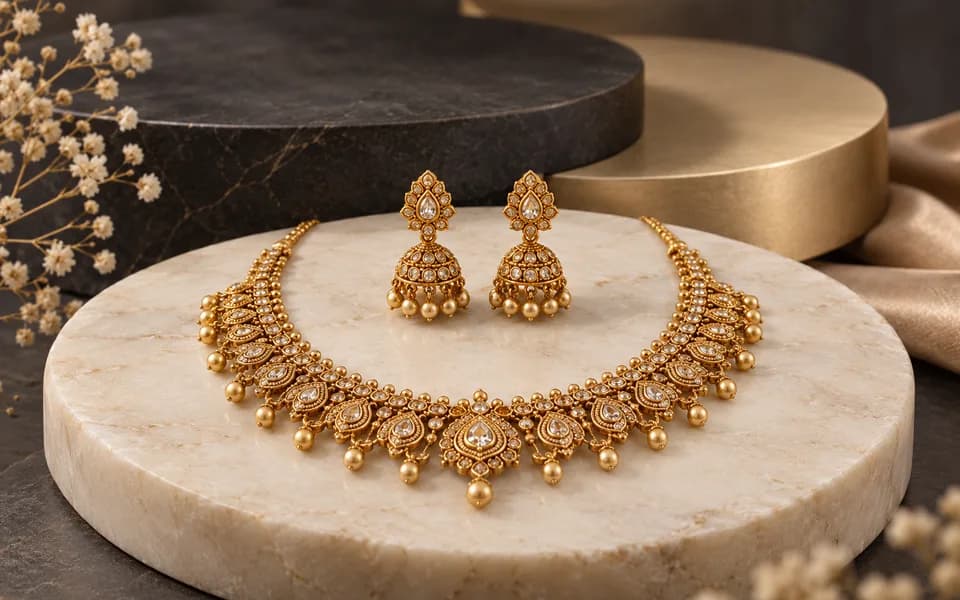
ImageCreate product photos and try-on looks across jewellery batches, then download the results together.
 Video
VideoAnimate your logo with stunning video effects using AI.
 Video
VideoGenerate professional, cinematic festival greetings videos using AI.
 Video
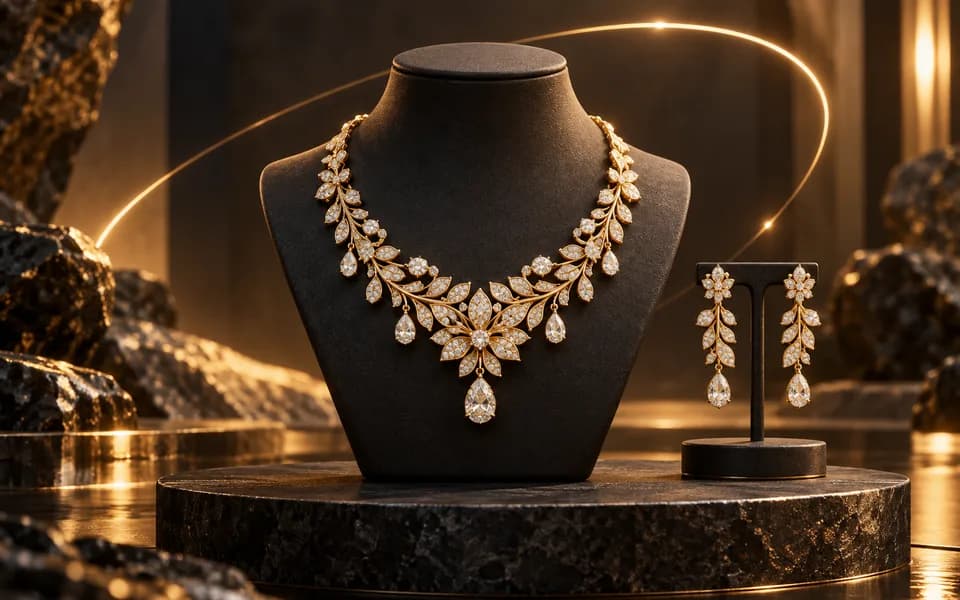
VideoGenerate stunning, short video clips of jewelry products from text prompts.
Browser utilities process data locally. When you choose to save a logo or document to your account, it is stored for reuse. AI tools send the inputs needed to generate your results.
We leverage the latest generative AI models (including Gemini and OpenRouter) to provide state-of-the-art capabilities like product photography generation, virtual try-ons, and high-converting marketing copy.
Built by developers for developers, our productivity suite includes essential utilities for JSON formatting, Regex testing, and security key generation, all optimized for a fast and seamless workflow.
We believe in democratizing high-end technology. CodingMantra provides browser utilities and credit-based AI tools, helping small businesses and independent creators compete with larger enterprises.
