Your AI-generated image will appear here
High-end photography often requires complex shoots and expensive equipment. Our AI Professional Photography Editor gives you the power of a full studio, allowing you to merge different subjects, create impossible scenes, and apply professional lighting and styles with just a text prompt.
one or more reference images using the Reference Images upload field — these can be people, products, pets, or backgrounds you want to use.
each uploaded image using the Label field (e.g., "person", "product", "background") so you can reference them precisely in your prompt.
in the Hint field per image for expressions or details (e.g., "smiling", "looking left", "soft lighting").
a style from Popular Style Instructions (e.g., "Studio Portrait", "Cinematic Mood") or write custom Additional Instructions.
your Output Shape based on where you plan to use the final image.
upload a Style Reference Image to guide the AI on the specific look, lighting, or composition you want.
and download your professional-quality photograph.
"person", "product", "background" helps the AI understand each image's role in the composition.
"confident smile", "serious look", "turned slightly left" gives you control over the final result.
Popular Style Instructions are professionally crafted and produce more predictable results than random prompts.
"golden hour lighting on a California beach" is better than "nice outdoor setting".
the AI cannot add facial detail that doesn't exist in your reference photo.
compositing multiple people is possible but works best when you clearly label and describe each person's role.
when you need a specific look — upload a photo with the mood or lighting you want, and the AI will match it.
Continue your workflow with tools from this category and other useful options.
 Image
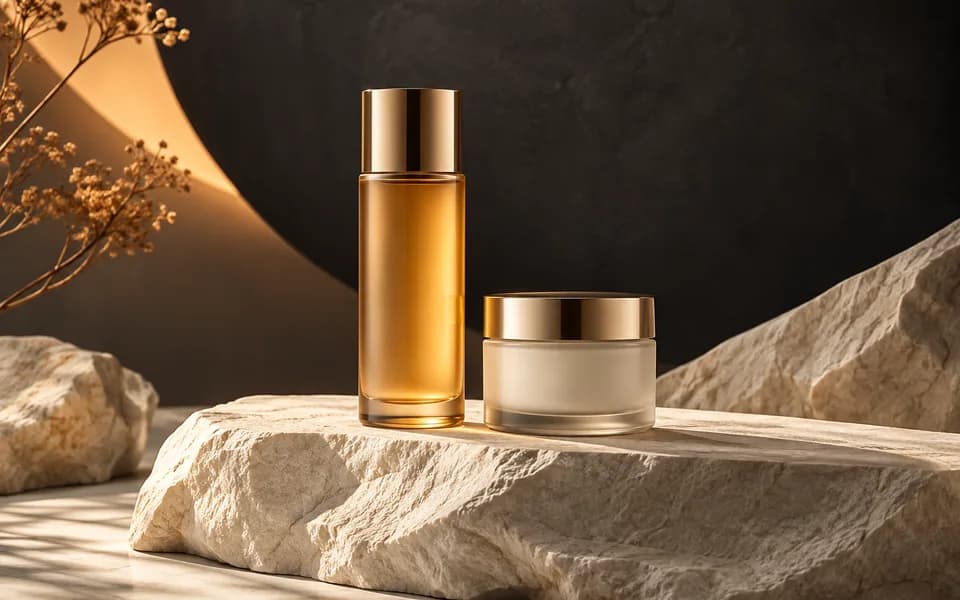
ImageGenerate studio-quality professional photos of your products in any scene instantly using AI.
 Image
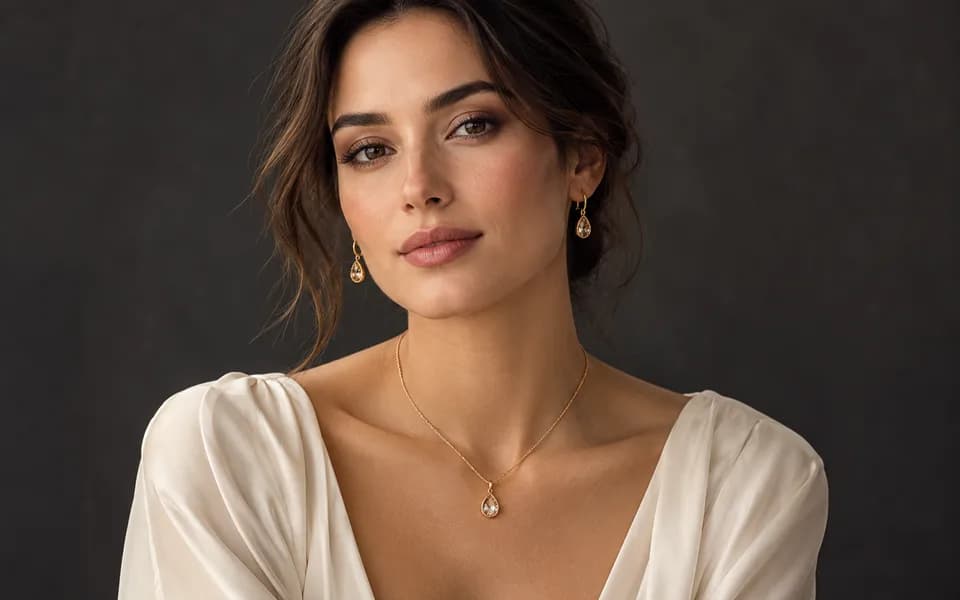
ImageLet customers virtually try on rings, necklaces, and earrings on their own photos using realistic AI.
 Image
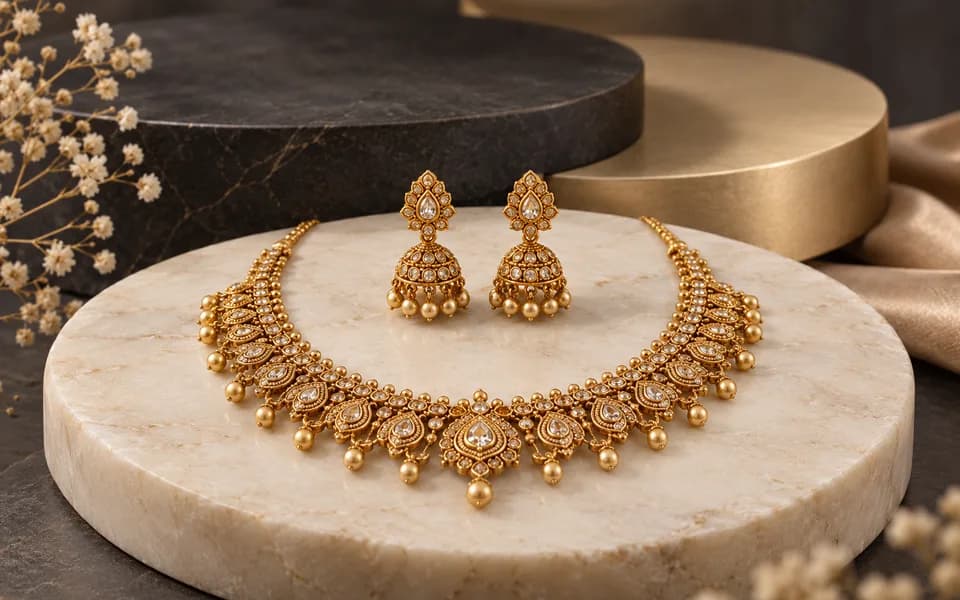
ImageCreate product photos and try-on looks across jewellery batches, then download the results together.
 Video
VideoAnimate your logo with stunning video effects using AI.
 Video
VideoGenerate professional, cinematic festival greetings videos using AI.
 Video
VideoGenerate stunning, short video clips of jewelry products from text prompts.
Browser utilities process data locally. When you choose to save a logo or document to your account, it is stored for reuse. AI tools send the inputs needed to generate your results.
We leverage the latest generative AI models (including Gemini and OpenRouter) to provide state-of-the-art capabilities like product photography generation, virtual try-ons, and high-converting marketing copy.
Built by developers for developers, our productivity suite includes essential utilities for JSON formatting, Regex testing, and security key generation, all optimized for a fast and seamless workflow.
We believe in democratizing high-end technology. CodingMantra provides browser utilities and credit-based AI tools, helping small businesses and independent creators compete with larger enterprises.
