Click to upload or drag & drop
Accepts JPEG, PNG, WEBP
Your AI-generated image will appear here
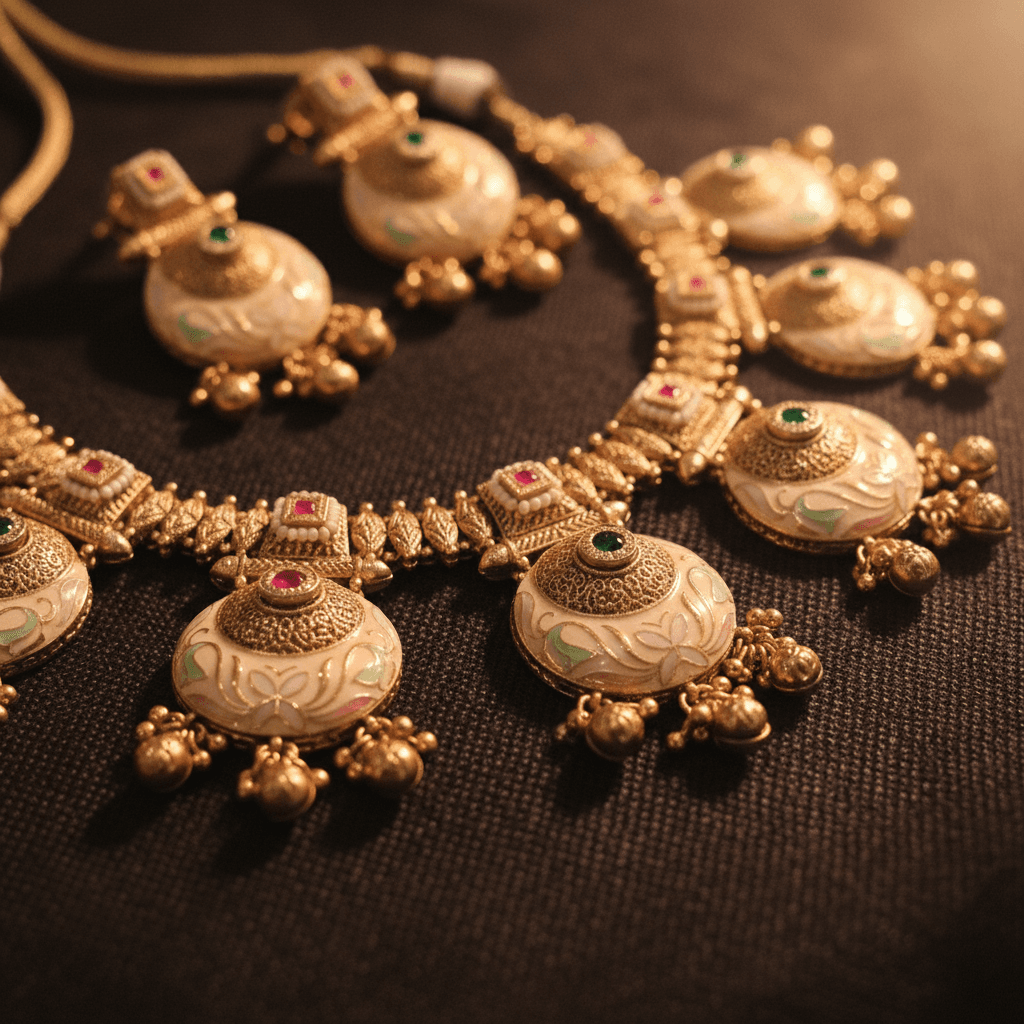
Common: Ultra-Premium Showcase
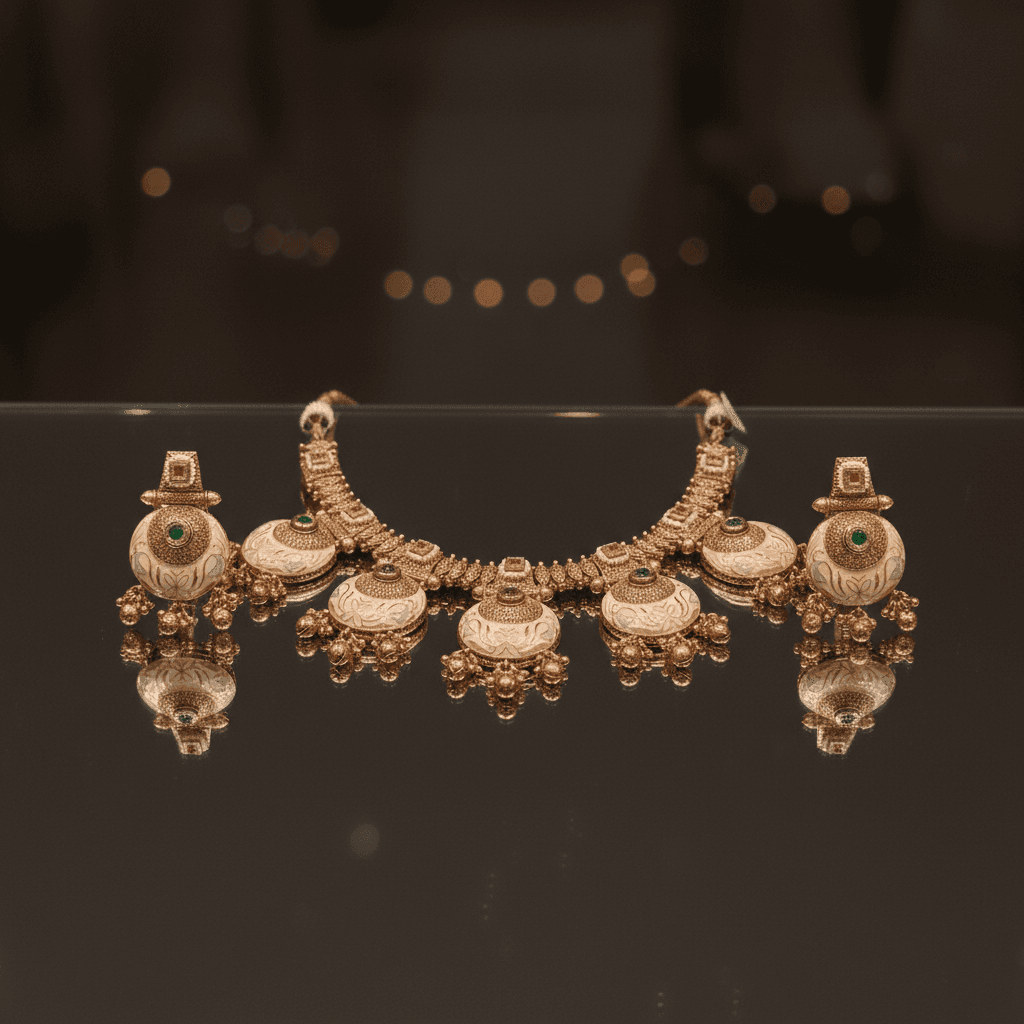
Ring: Platinum Solitaire/Halo
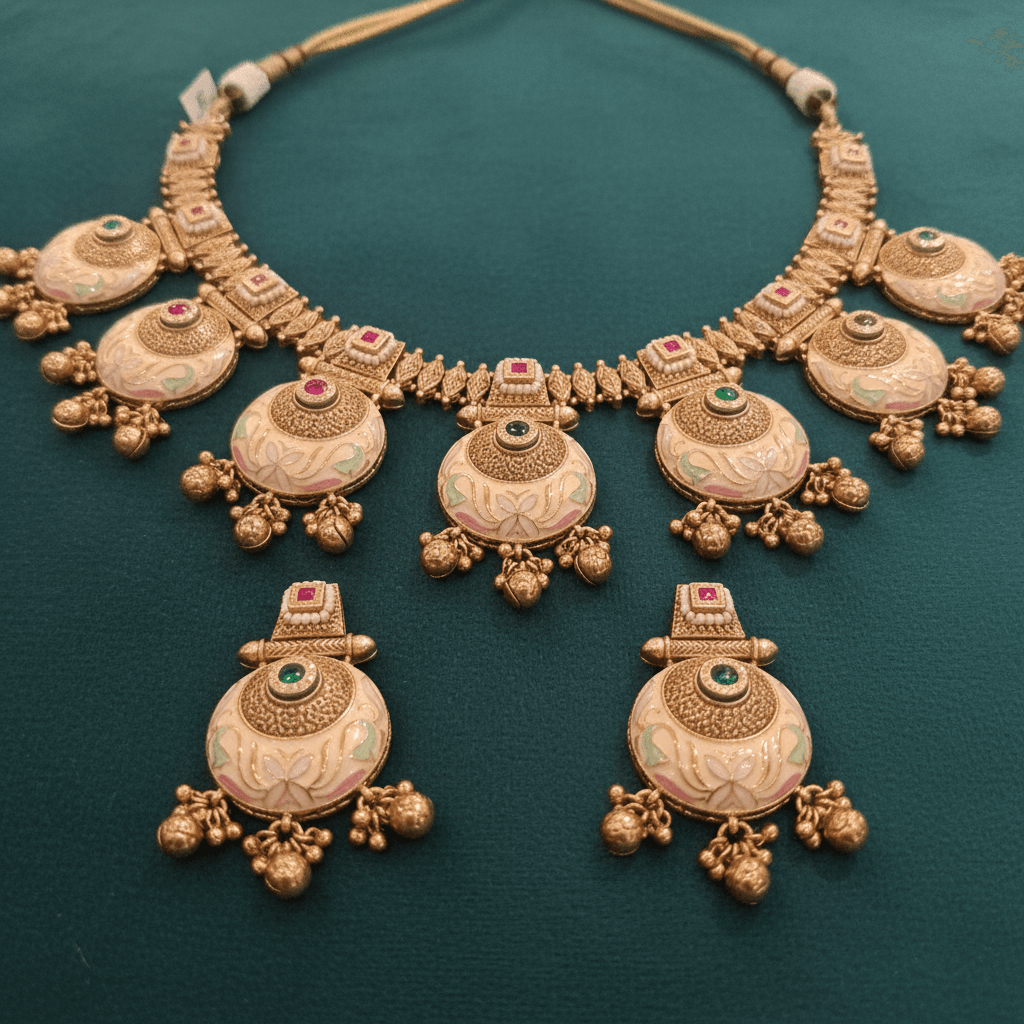
Ring: Traditional Gold
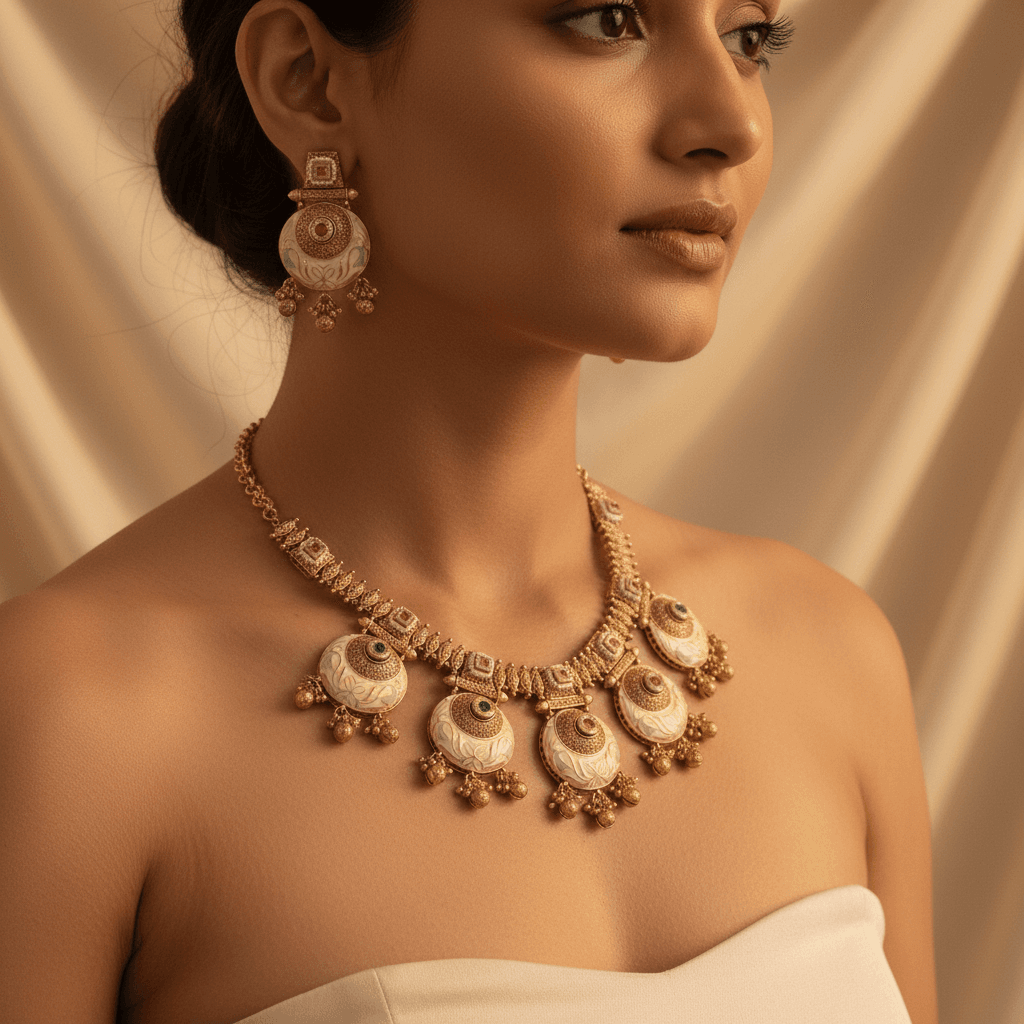
Necklace: Gold Pendant
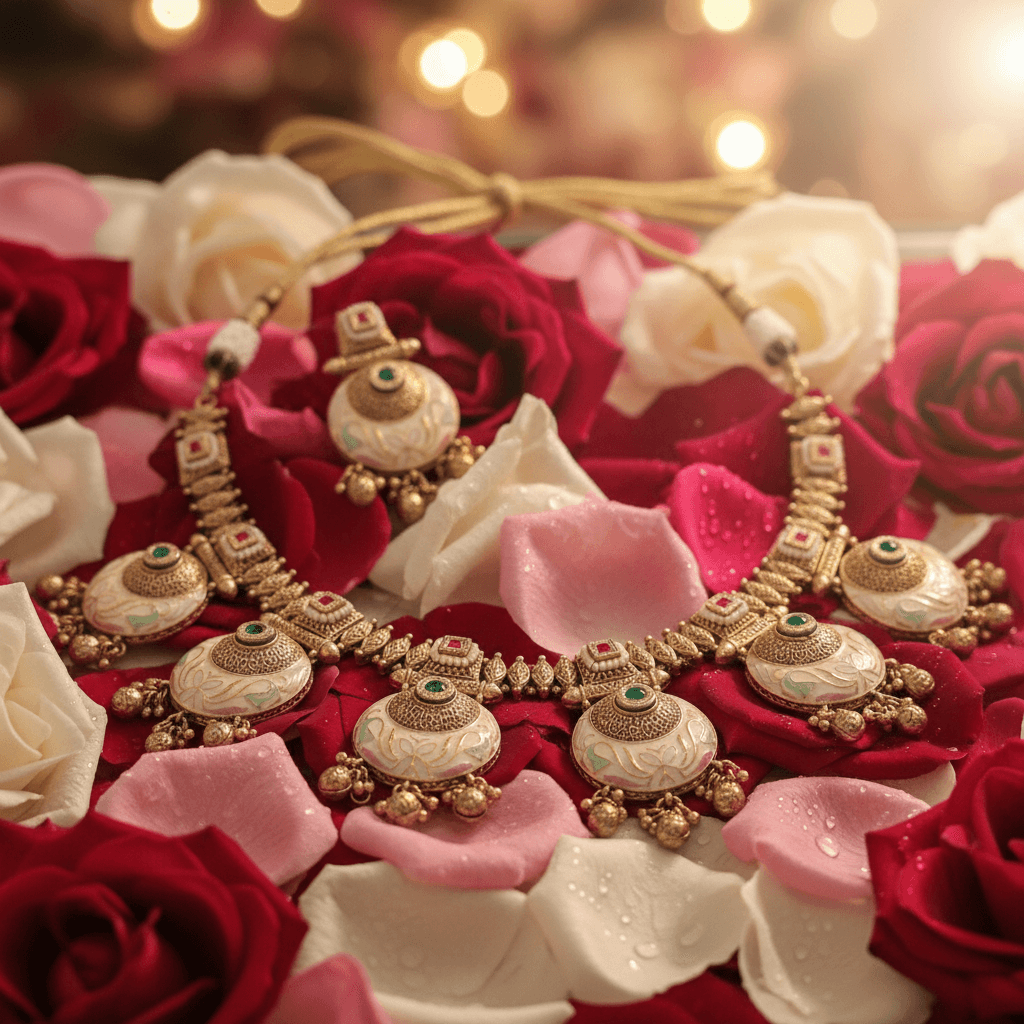
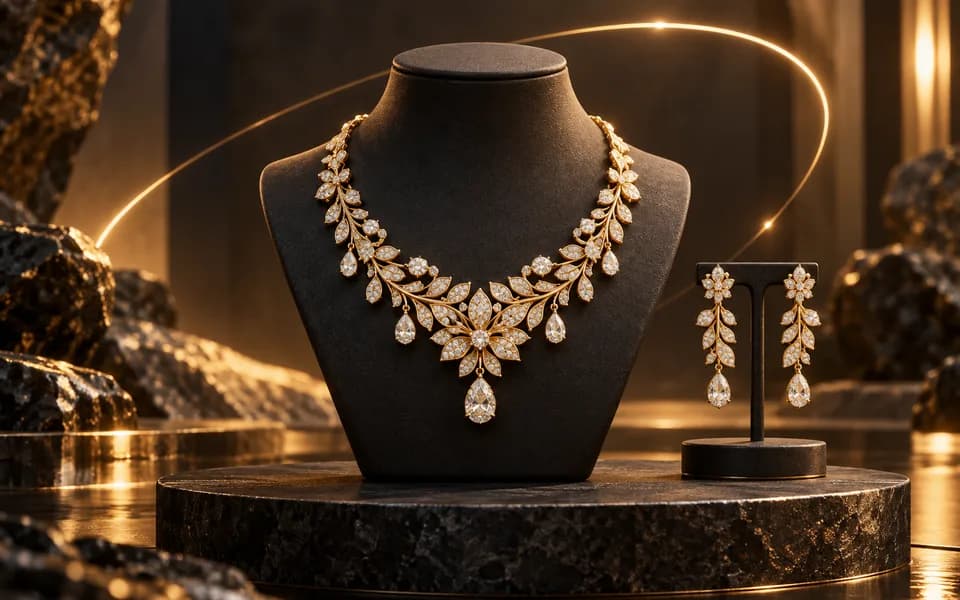
Necklace: Diamond Choker
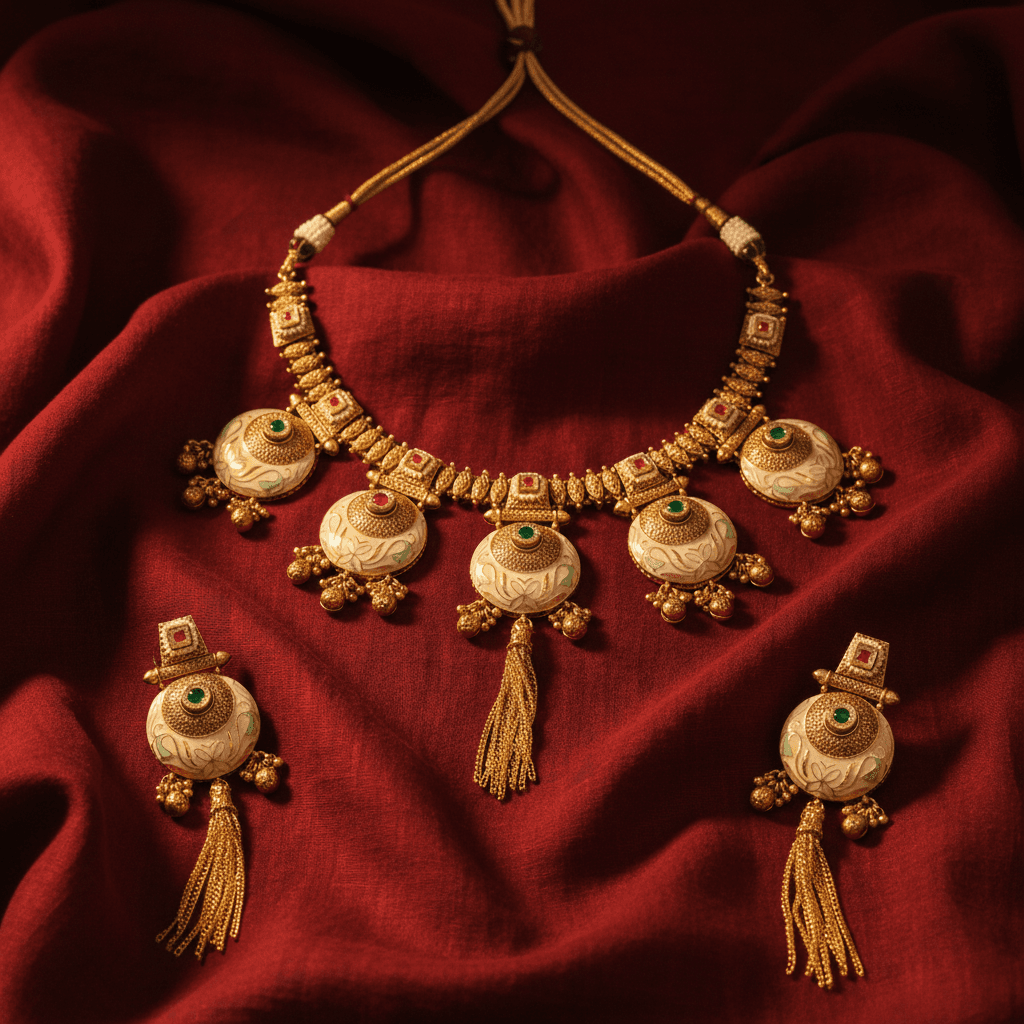
Necklace: Mangalsutra
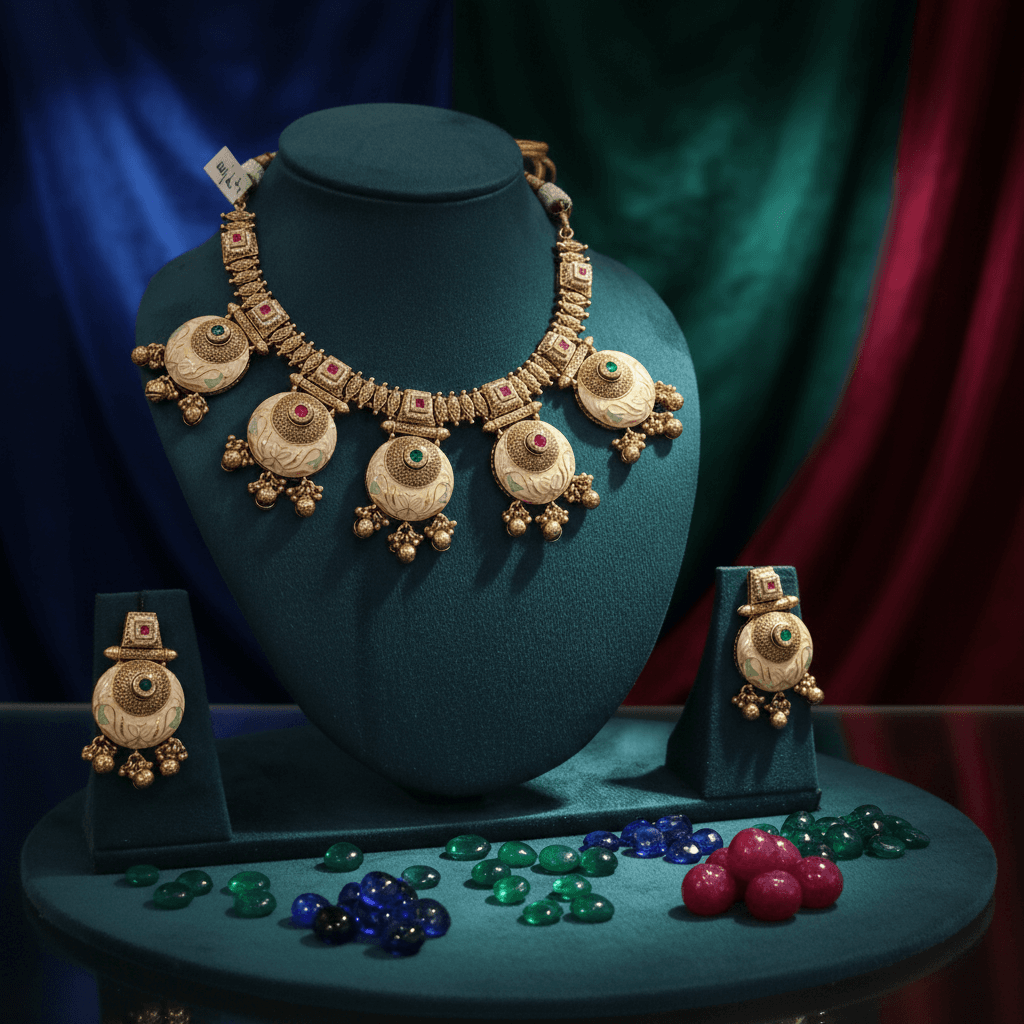
Earrings: Vintage Drop/Jhumka
Visualizing a concept used to require hours of detailed rendering or expensive 3D modeling. With our AI Sketch to Real Generator, you can bridge the gap between imagination and reality in mere seconds. Whether you are an architect drafting a building, a fashion designer sketching a dress, or a game developer planning a character, this tool transforms your outlines into fully realized masterpieces.
your sketch or drawing using the Sketch Upload field (required) — this can be a pencil drawing, digital outline, or even a rough napkin sketch.
from Popular Prompts (e.g., "Photorealistic", "Cinematic", "3D Render") or choose a specific Style from the dropdown.
in the textarea — be specific about what you want (e.g., "A modern glass office building with sunset lighting and people walking by").
upload a Reference Image if you want the output to match a specific photo, style, or color palette.
any Overlay Text or Marketing Text if the image is for a promotional purpose.
add a Negative Prompt to specify what you don't want (e.g., "blurry, distorted, low quality, watermark").
your Output Shape and click Generate.
high-contrast line drawings with distinct shapes produce the most accurate AI interpretations.
"a red sports car on a wet highway at dusk with neon reflections" is far better than "a car".
adding "blurry, distorted, low quality, watermark, text artifacts" helps the AI steer clear of unwanted elements.
avoid extremely faint pencil drawings or blurry scans. The AI needs to see the structure clearly.
for product mockups or architectural renders; choose Cinematic for dramatic presentations.
when you need the output to match a specific look — upload a photo with similar lighting, color, or composition.
sketches are about the visual concept, and heavy text overlays can obscure the generated detail.
Continue your workflow with tools from this category and other useful options.
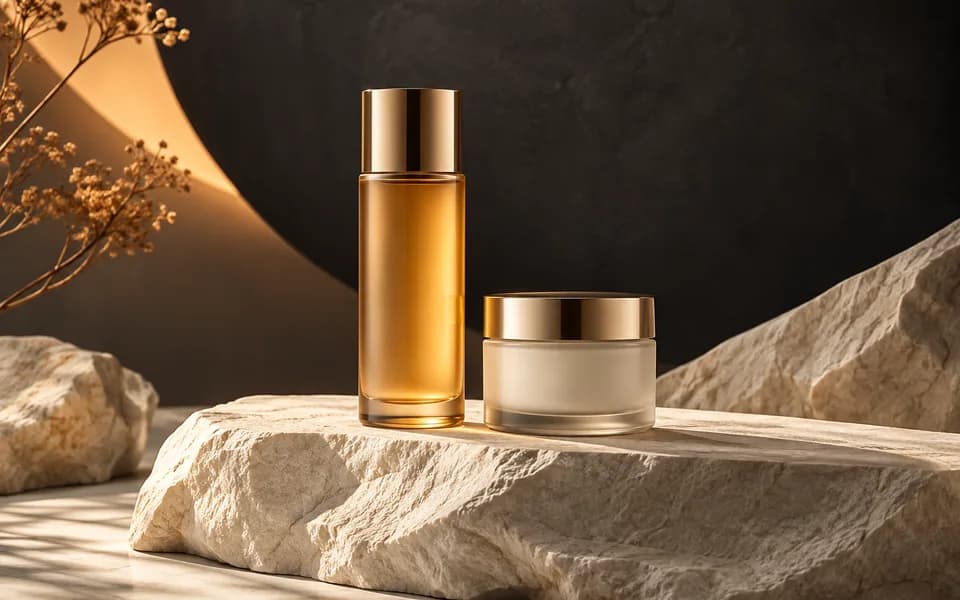 Image
ImageGenerate studio-quality professional photos of your products in any scene instantly using AI.
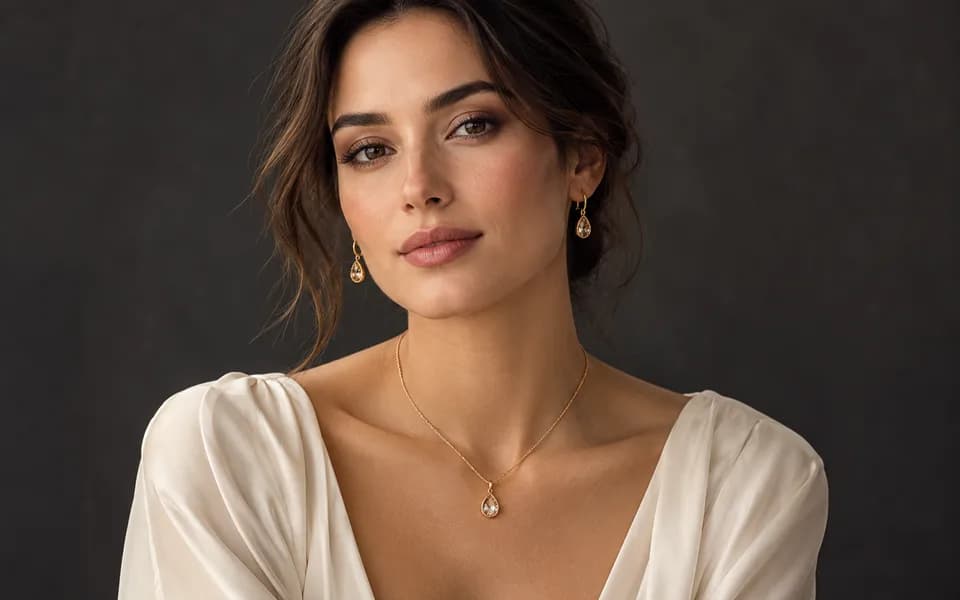 Image
ImageLet customers virtually try on rings, necklaces, and earrings on their own photos using realistic AI.
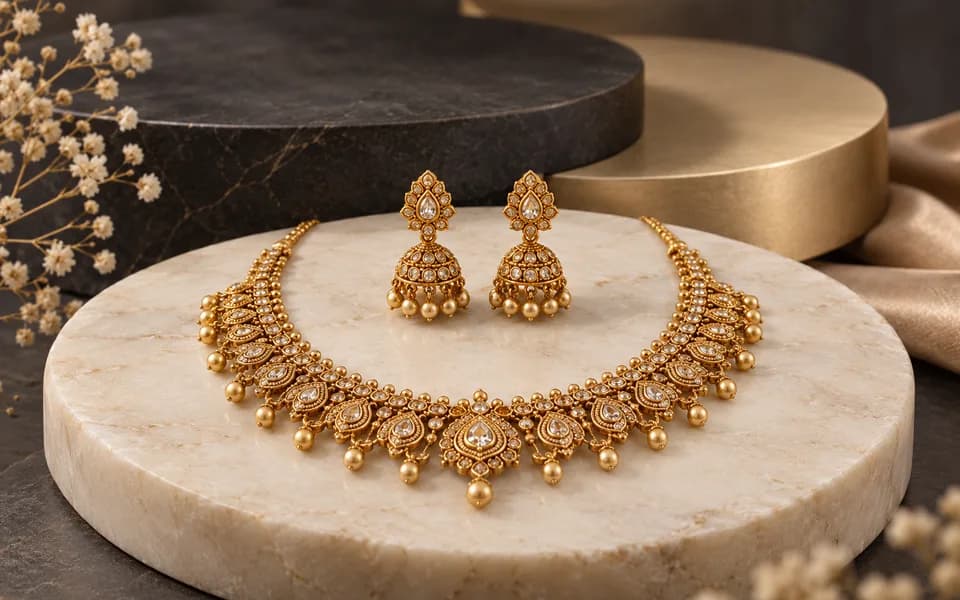 Image
ImageCreate product photos and try-on looks across jewellery batches, then download the results together.
 Video
VideoAnimate your logo with stunning video effects using AI.
 Video
VideoGenerate professional, cinematic festival greetings videos using AI.
 Video
VideoGenerate stunning, short video clips of jewelry products from text prompts.
Browser utilities process data locally. When you choose to save a logo or document to your account, it is stored for reuse. AI tools send the inputs needed to generate your results.
We leverage the latest generative AI models (including Gemini and OpenRouter) to provide state-of-the-art capabilities like product photography generation, virtual try-ons, and high-converting marketing copy.
Built by developers for developers, our productivity suite includes essential utilities for JSON formatting, Regex testing, and security key generation, all optimized for a fast and seamless workflow.
We believe in democratizing high-end technology. CodingMantra provides browser utilities and credit-based AI tools, helping small businesses and independent creators compete with larger enterprises.
