CodingMantra LogoCodingMantra
GalleryProductsPortfolioServicesGamesPricingContact
CodingMantra LogoCodingMantra

AI tools and software services for people building better digital experiences.

WhatsApp ChannelX / TwitterLinkedInInstagramFacebookGitHubYouTube

Company

  • Home
  • About Us
  • Services
  • Products
  • Portfolio
  • Pricing
  • Blog
  • API Docs
  • MCP Integration
  • Contact Us

Top Tools

  • All Tools
  • Image Tools
  • Video Tools
  • Brand Context
  • Digital Marketing
  • Financial Tools
  • SEO Tools

Legal

  • Privacy Policy
  • Terms & Conditions
  • Return Policy
  • Deals
  • Sitemap

© 2026 CodingMantra. All Rights Reserved.

    1. Home
    2. Tools
    3. Image Tools
    4. Image Upscaler
    Image Tools

    Image Upscaler

    Restore and enhance your photos with Pro AI at 4K resolution. 60 credits per image.

    Image Upscaler tool illustration

    Image Upscaler

    Upload an image

    or select from gallery

    Your upscaled image will appear here

    Transform Low-Resolution Images into High-Quality Art

    Have you ever found the perfect image, only to realize it's too small or blurry to use? Our Image Upscaler solves this common problem. The Pro AI model uses your original as a reference to reduce blur and compression artifacts while preserving its appearance. Results are generative enhancements, so compare faces, lettering and product details before using the output.

    How to Use the Upscaler

    1. Upload Your Image: Start by uploading the low-resolution image you want to enhance.
    2. Upscale: With a single click, the model will process your image with the Pro AI model, conservatively reducing blur and compression artifacts while preserving the source composition.
    3. Compare & Download: You'll see a side-by-side comparison of the original and the new, upscaled version. If you love the result, you can download your high-resolution image.

    How to use this tool

    1. 1

      Upload

      your image using the upload field — this should be the highest quality source image you have.

    2. 2

      Select

      your preferred Output Format — PNG for lossless quality, JPEG for smaller files, or WEBP for web use.

    3. 3

      Enter

      a Filename Prefix if you want to customize the output file name (optional).

    4. 4

      Click Upscale

      — the AI model will process your image using the Pro model at 4K resolution.

    5. 5

      Compare

      the before and after side-by-side, then download your enhanced image.

    Tips for better results

    • Start with the highest quality source image available

      upscaling works best on images that are slightly low-resolution, not heavily pixelated or compressed.

    • Choose PNG for lossless output

      when quality is the priority — JPEG reintroduces compression artifacts.

    • Avoid upscaling already-upscaled images

      each upscale pass can introduce subtle artifacts. Always work from the original source.

    • Use WEBP for web images

      if you need both quality and small file size for faster page loads.

    • Allow time for AI processing

      generation can take several minutes. Keep this tab open until the result is ready.

    • Don't expect miracles from very tiny images

      a 100×100px image cannot become a sharp 4K photo, and AI cannot guarantee accurate recovery of details that are not visible in the source.

    Frequently Asked Questions (FAQs)

    Explore related tools

    Continue your workflow with tools from this category and other useful options.

    Cosmetic bottle and jar photographed on sculptural stone in a studio
    Image
    AI poweredFeatured

    AI Product Photography Generator

    Generate studio-quality professional photos of your products in any scene instantly using AI.

    Explore tool
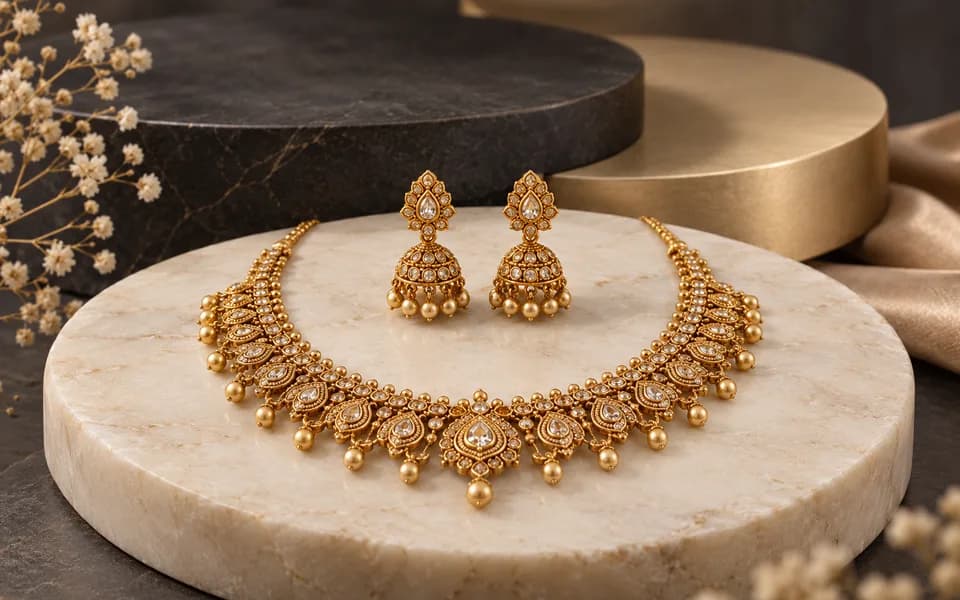
    Editorial portrait showing a gold necklace and matching earrings
    Image
    AI poweredFeatured

    AI Jewelry Virtual Try-On

    Let customers virtually try on rings, necklaces, and earrings on their own photos using realistic AI.
    Explore tool
    Complete gold necklace and earrings arranged in a jewellery studio
    Image
    AI poweredFeatured

    Jewellery All In One

    Create product photos and try-on looks across jewellery batches, then download the results together.

    Explore tool
    Abstract gold emblem surrounded by cinematic amber light trails
    Video
    AI poweredFeatured

    Logo Animation Generator

    Animate your logo with stunning video effects using AI.

    Explore tool
    Festive diyas and marigolds with warm cinematic lights
    Video
    AI poweredFeatured

    Festival Video Generator

    Generate professional, cinematic festival greetings videos using AI.
    Explore tool
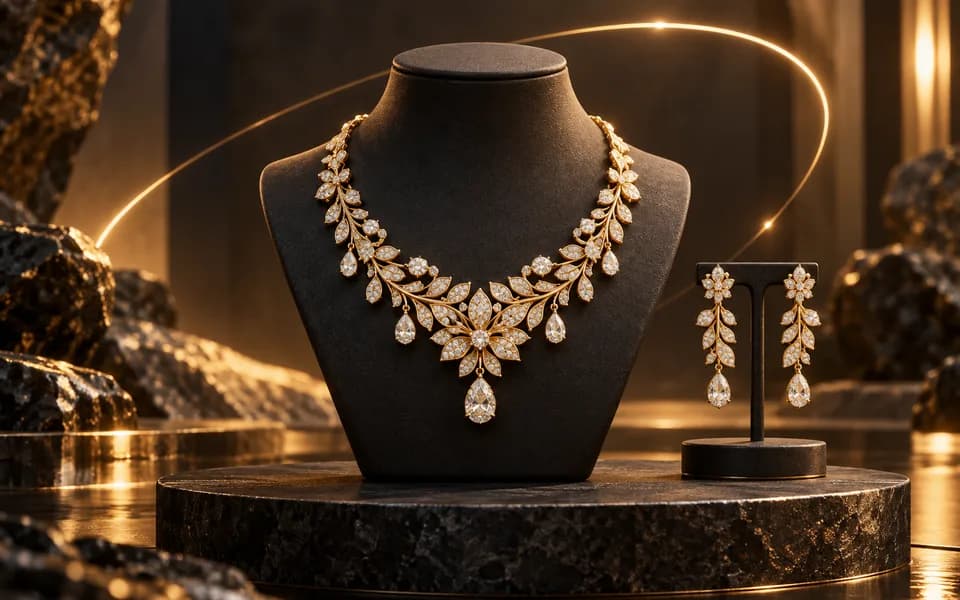
    Gold necklace and earrings on a dark pedestal with an orbiting light arc
    Video
    AI poweredFeatured

    Jewelry Product Videography

    Generate stunning, short video clips of jewelry products from text prompts.

    Explore tool
    Browse all tools

    Why Choose CodingMantra for Your Digital Needs?

    Privacy-First Architecture

    Browser utilities process data locally. When you choose to save a logo or document to your account, it is stored for reuse. AI tools send the inputs needed to generate your results.

    Advanced AI Integration

    We leverage the latest generative AI models (including Gemini and OpenRouter) to provide state-of-the-art capabilities like product photography generation, virtual try-ons, and high-converting marketing copy.

    Developer-Centric Utilities

    Built by developers for developers, our productivity suite includes essential utilities for JSON formatting, Regex testing, and security key generation, all optimized for a fast and seamless workflow.

    Tools for everyday work

    We believe in democratizing high-end technology. CodingMantra provides browser utilities and credit-based AI tools, helping small businesses and independent creators compete with larger enterprises.