Make Your Blog Images Look Professional: Generate Custom Hero Images in Seconds
Posted by CodingMantra Team on May 2, 2026
If you run a blog—whether for your business, personal brand, or niche topic—you know how important visuals are. A striking hero image at the top of your post grabs attention, sets the tone, and encourages readers to stay and engage. Yet many bloggers struggle with finding or creating images that look professional without spending hours in design software or paying for expensive stock photo subscriptions.
What if you could generate a custom, high-quality hero image tailored to your exact blog post topic—in seconds, for free, and without any design skills? That’s exactly what CodingMantra’s Blog Image Generator (AI) does.
Why Professional Blog Images Matter
- First Impressions: The hero image is often the first thing visitors see. A polished visual signals credibility and professionalism.
- Engagement: Posts with relevant, high-quality images get more clicks, longer read times, and more shares on social media.
- Brand Consistency: Custom images let you maintain a unique visual style that reinforces your brand across all content.
- SEO Benefits: Engaging visuals reduce bounce rate and increase dwell time—both positive signals for search rankings.
- Social Shares: Eye-catching images perform better when shared on platforms like Facebook, Twitter, LinkedIn, and Pinterest.
The Problem with Stock Photos
Relying on generic stock photos comes with drawbacks:
- Overused: The same images appear on dozens of other blogs, making your content look unoriginal.
- Mismatch: It’s hard to find a stock photo that perfectly matches your specific topic or angle.
- Licensing Hassles: Even free stock sites often require attribution or have restrictions on commercial use.
- Cost: Premium stock subscriptions add up, especially if you need multiple images per post.
How CodingMantra’s Blog Image Generator Works
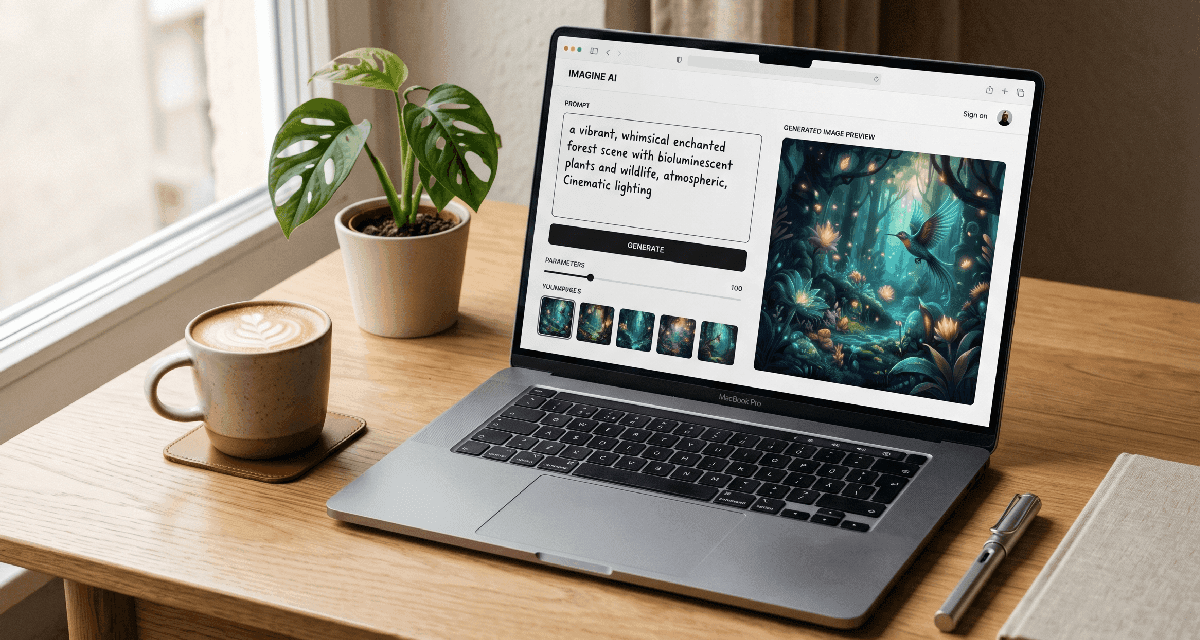
Our free, browser-based AI tool is designed specifically for creating blog hero images and thumbnails. You simply describe what you want, and the AI generates a unique, professional-quality image in seconds—no design experience required.
Step-by-Step Guide
- Open the Tool: Go to https://codingmantra.com/tools/image/blog-image-generator. The page loads instantly—no installation or account needed.
- Describe Your Image: In the prompt box, type a clear description of the image you want. Be specific about:
- Main Subject: What should be the focus? (e.g., “a laptop with coffee and notebook on a wooden desk”)
- Style: Do you want it realistic, illustrative, minimalist, vibrant, dark and moody, etc.?
- Colors: Mention any brand colors or preferred palette (e.g., “with accents of blue and orange”)
- Text Space: If you plan to overlay a title, mention “leave space for text at the top” or “clear sky background for overlay”
- Generate and Review: Click the “Generate” button. The AI will process your prompt and create an image in 10-30 seconds.
- Preview the result directly on the page.
- If it’s not quite right, adjust your prompt (add more detail, change style keywords) and regenerate.
- You can generate multiple variations quickly to find the perfect match.
- Download Your Image: Once satisfied, click the “Download” button to save the image to your device.
- The file is typically a high-quality PNG or JPEG.
- Use it immediately as the hero image for your blog post.
Example Prompts
- “A modern home office setup with standing desk, plants, and natural light, minimalist style, warm tones, space for text on the left”
- “Close-up of hands typing on a laptop with code on screen, dark theme, neon blue accents, cyberpunk vibe”
- “Flat lay of healthy breakfast ingredients—avocado, eggs, berries, oats—on a white marble top, bright and fresh”
- “Abstract gradient background with geometric shapes, suitable for a technology blog, purple to blue transition”
Benefits for Bloggers and Small Businesses
- Save Time: No more searching stock sites or waiting for a designer. Create images in the time it takes to write a paragraph.
- Save Money: Eliminate stock photo subscriptions or designer fees—this tool is 100% free.
- Boost Originality: Every image is unique to your prompt, reducing the risk of duplicate content.
- Increase Relevance: AI can generate visuals for hyper-niche topics that stock libraries simply don’t cover.
- Maintain Brand Voice: By specifying style and colors in your prompts, you keep a consistent look across all posts.
- Enable Experimentation: Try different visual approaches (illustrative vs. photographic) to see what resonates with your audience.
Real-World Use Cases
- Tech Blogger: Generate custom visuals showing code snippets, gadget layouts, or abstract data concepts.
- Food Blogger: Create unique ingredient flat lays, cooking process illustrations, or styled dish presentations.
- Fitness Coach: Produce workout scene visuals, healthy meal prep layouts, or motivational fitness graphics.
- Marketing Agency: Make branded header images for client blog posts, matching each client’s color scheme and industry.
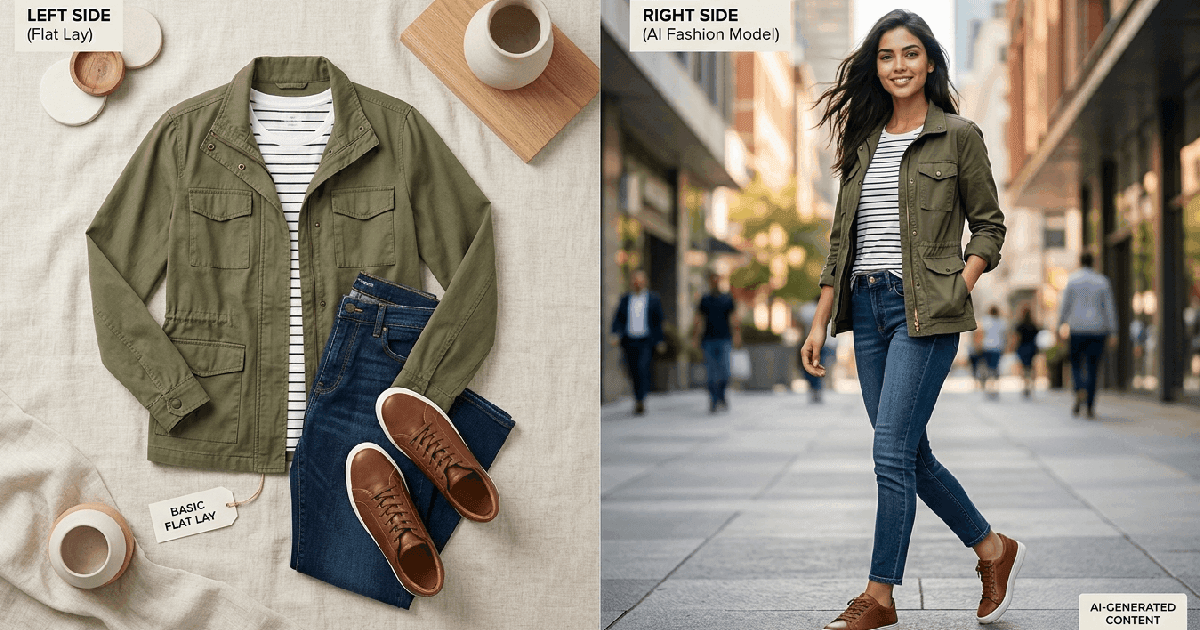
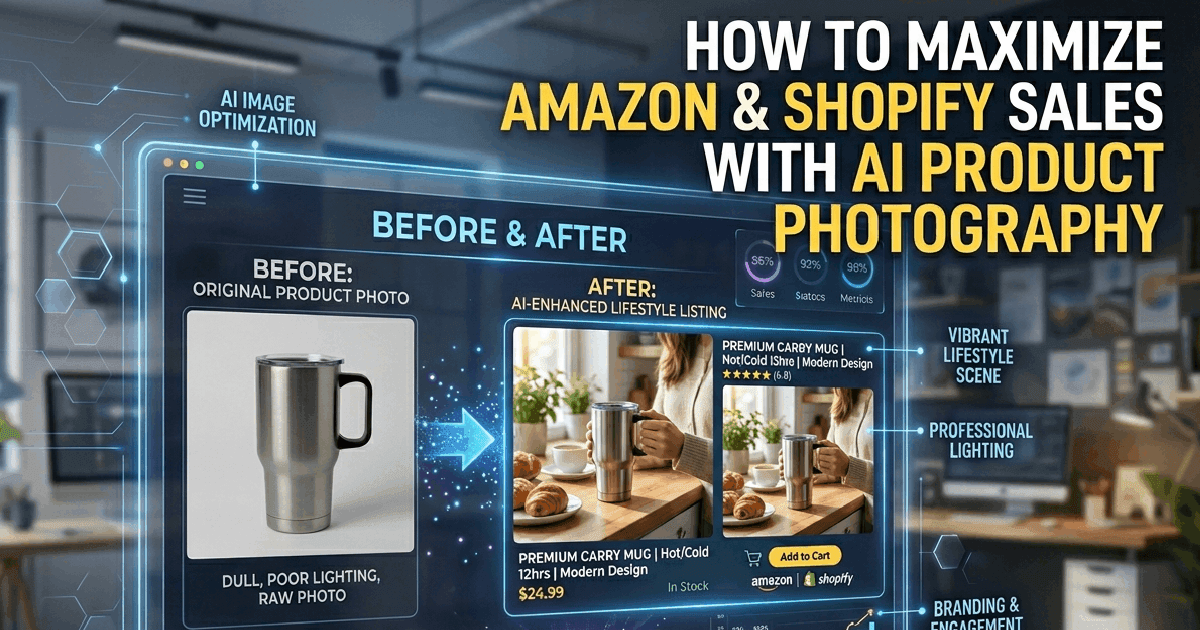
- E-commerce Store: Craft lifestyle images showing products in use—no photoshoot needed.
- Educator: Illustrate complex concepts with custom diagrams, timelines, or process visuals.
Tips for Getting the Best Results
- Be Specific: Vague prompts like “nice blog image” yield generic results. Include subject, setting, style, lighting, and color.
- Use Style Keywords: Terms like “minimalist,” “photorealistic,” “watercolor illustration,” “low poly,” “cinematic lighting,” “flat lay,” “isometric view” guide the AI effectively.
- Consider Text Overlay: If you’ll add a title, describe where to leave blank space (e.g., “top third clear sky for text overlay”).
- Iterate Fast: Generate 2-3 variations with slight prompt tweaks to explore options quickly.
- Match Your Content: Ensure the image reflects the actual topic of your post—misleading visuals increase bounce rate.
- Optimize for Web: After downloading, consider using CodingMantra’s Image Size Reducer to compress the file for faster loading without losing quality.
Combine with SEO Tools for Maximum Impact
Make your blog images work harder for you by pairing the Blog Image Generator with CodingMantra’s free SEO Tools:
- After generating your image, use the Title & Description Generator (AI) to craft an SEO-friendly blog title and meta description that matches your visual.
- Use the Keyword Generator (AI) to find relevant primary, long-tail, and LSI keywords to naturally include in your post.
- Run your final article text through the Keyword Density Checker to ensure optimal optimization without overstuffing.
- Generate an FAQ Schema (AI) to add structured data that can earn rich results in Google.
- Create a Meta Tag (AI) for Open Graph and Twitter Cards so when your post is shared, it displays your custom hero image perfectly.
Example Workflow
- Write your blog post outline.
- Use Keyword Generator to find target keywords.
- Use Blog Image Generator to create a hero image matching your topic and keywords.
- Write the post, naturally incorporating your keywords.
- Use Title & Description Generator to refine your headline and meta description.
- Use Keyword Density Checker to fine-tune usage.
- Generate FAQ Schema and Meta Tags for social sharing.
- Upload your compressed image (use Image Size Reducer if needed) and publish.
Professional-looking blog images are no longer reserved for those with design skills or big budgets. With CodingMantra’s Blog Image Generator (AI), any blogger or small business owner can create custom, high-impact visuals in seconds—completely free and without leaving your browser.
Stop settling for generic stock photos. Start generating images that are as unique and valuable as your content. Your readers will notice the difference, your engagement will rise, and your blog will look more professional than ever.
Ready to try it? Go to https://codingmantra.com/tools/image/blog-image-generator and create your first custom hero image today. Then pair it with CodingMantra’s SEO tools to turn every post into a traffic-getting, engagement-driving asset.
Your blog deserves visuals that pop—now you can make them in the time it takes to sip your coffee.
About the Author: CodingMantra Team
The CodingMantra Team consists of professional software developers, data scientists, and digital marketing experts dedicated to transforming e-commerce visual solutions.